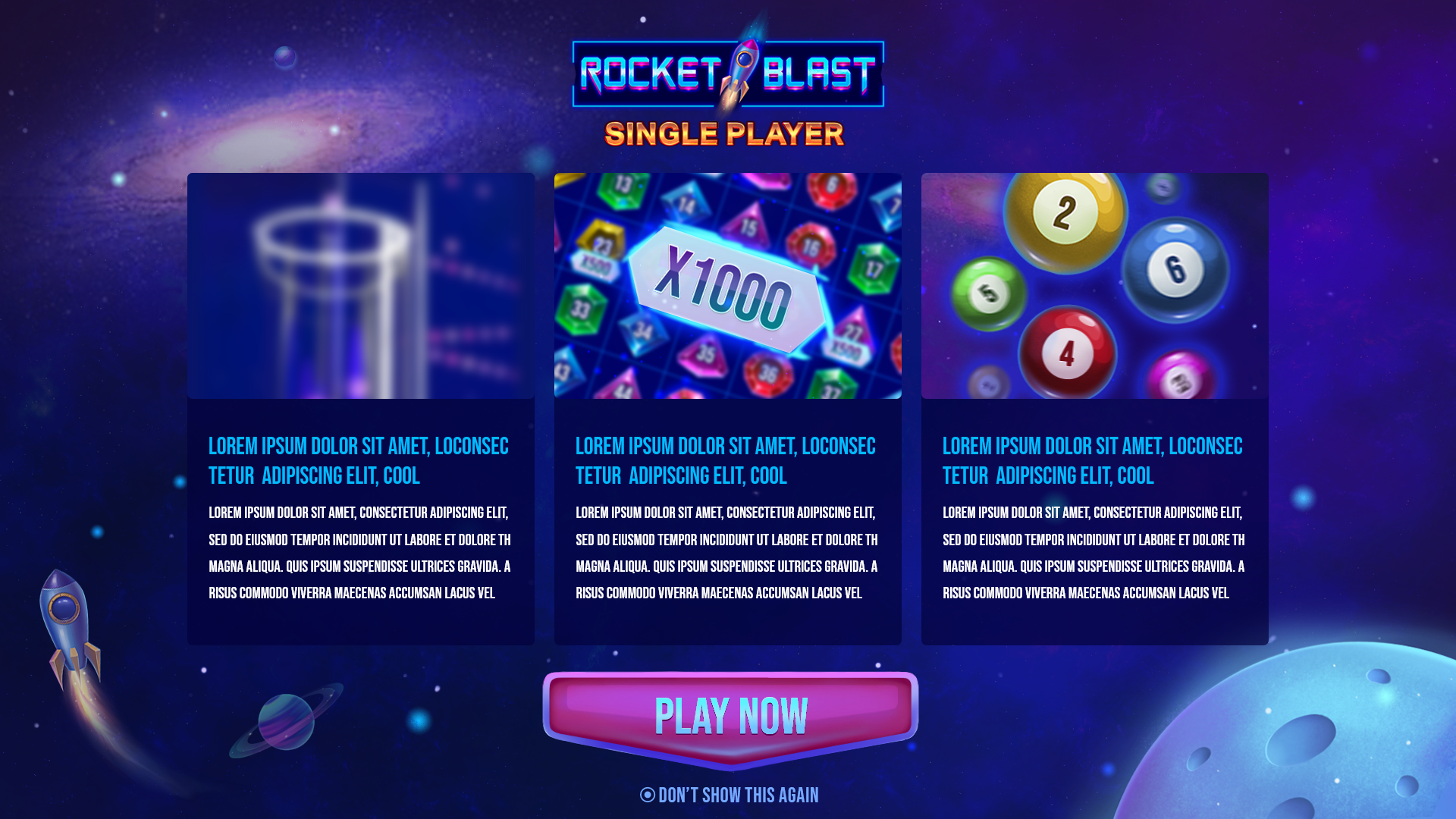
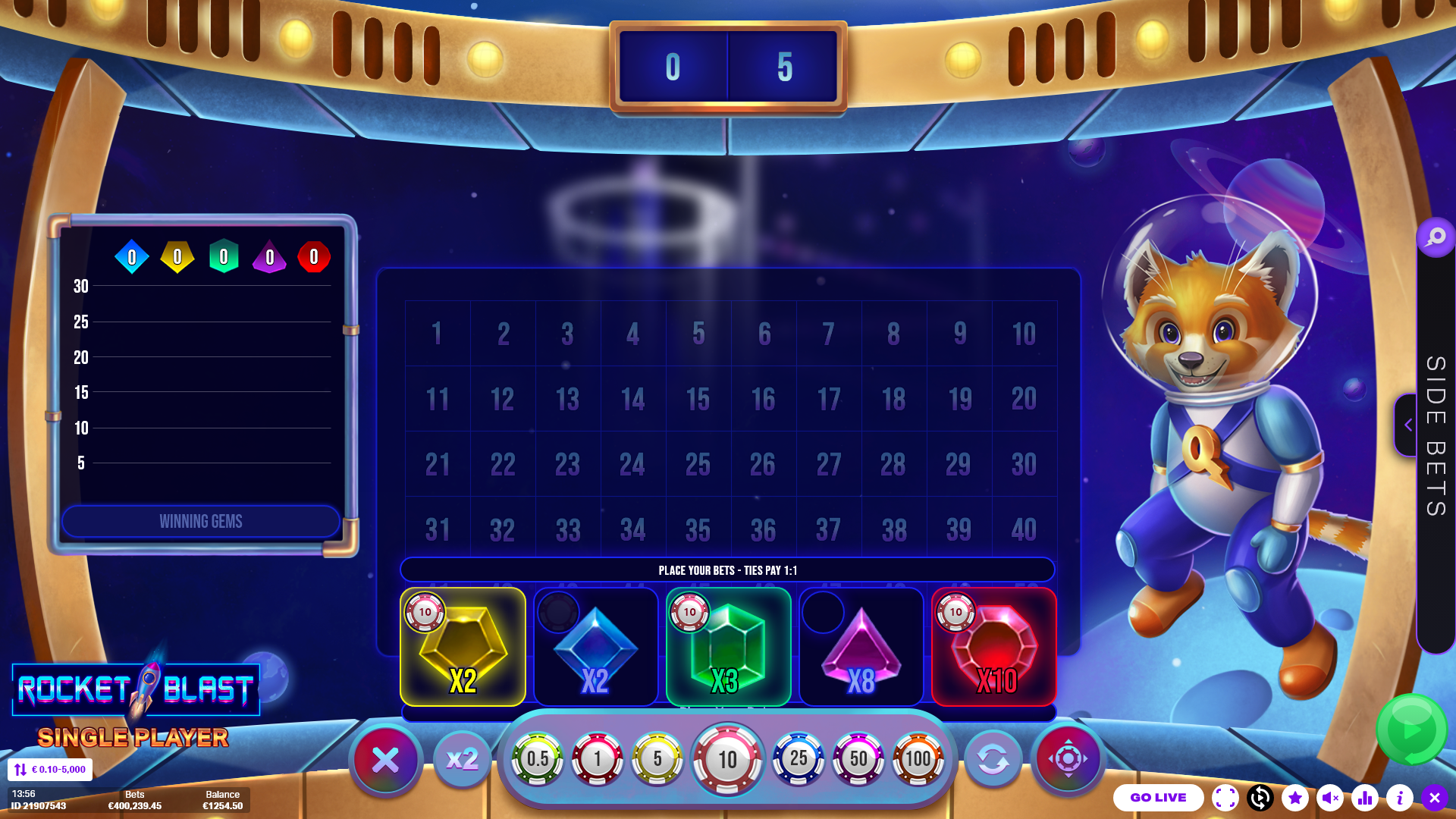
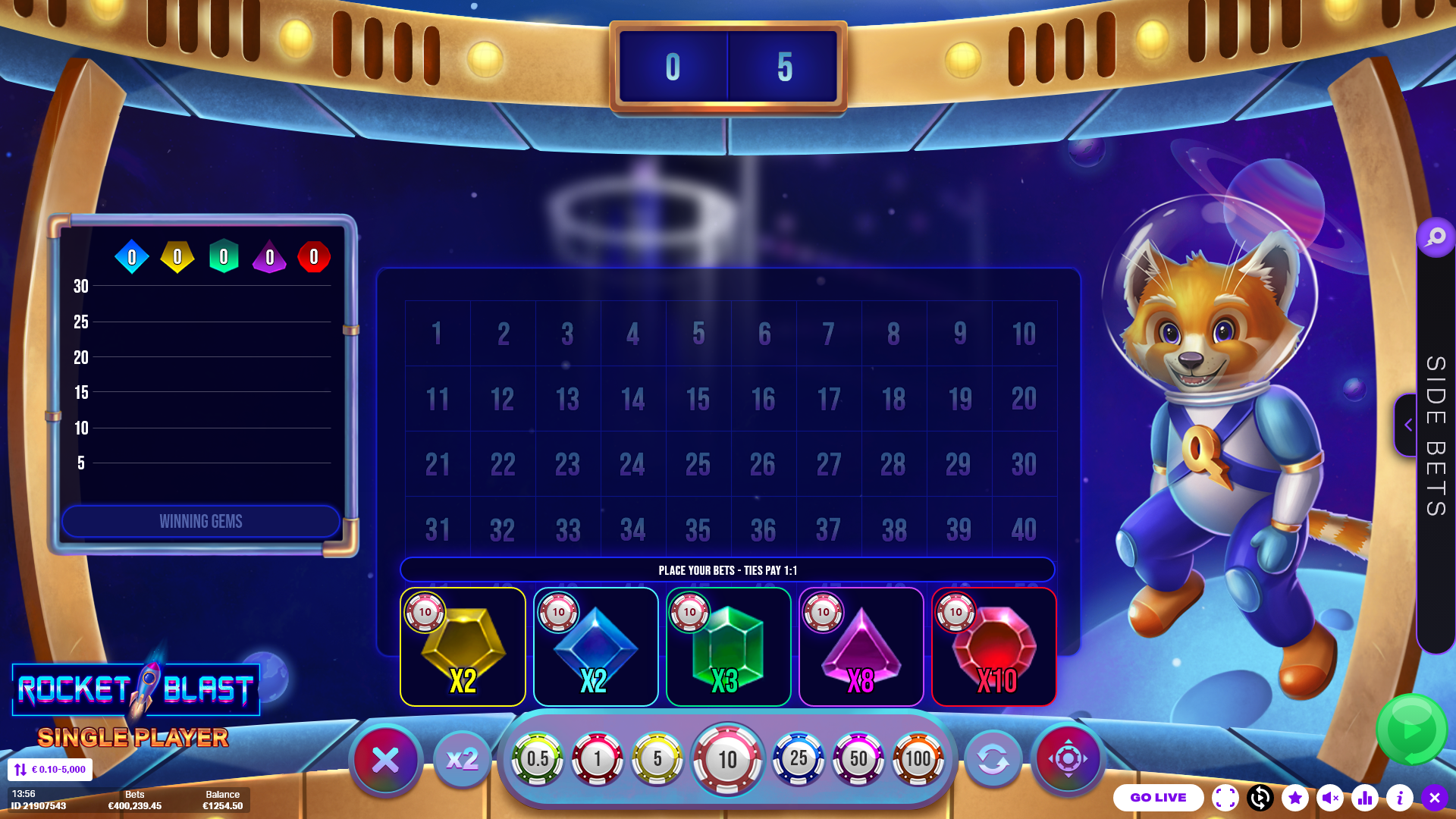
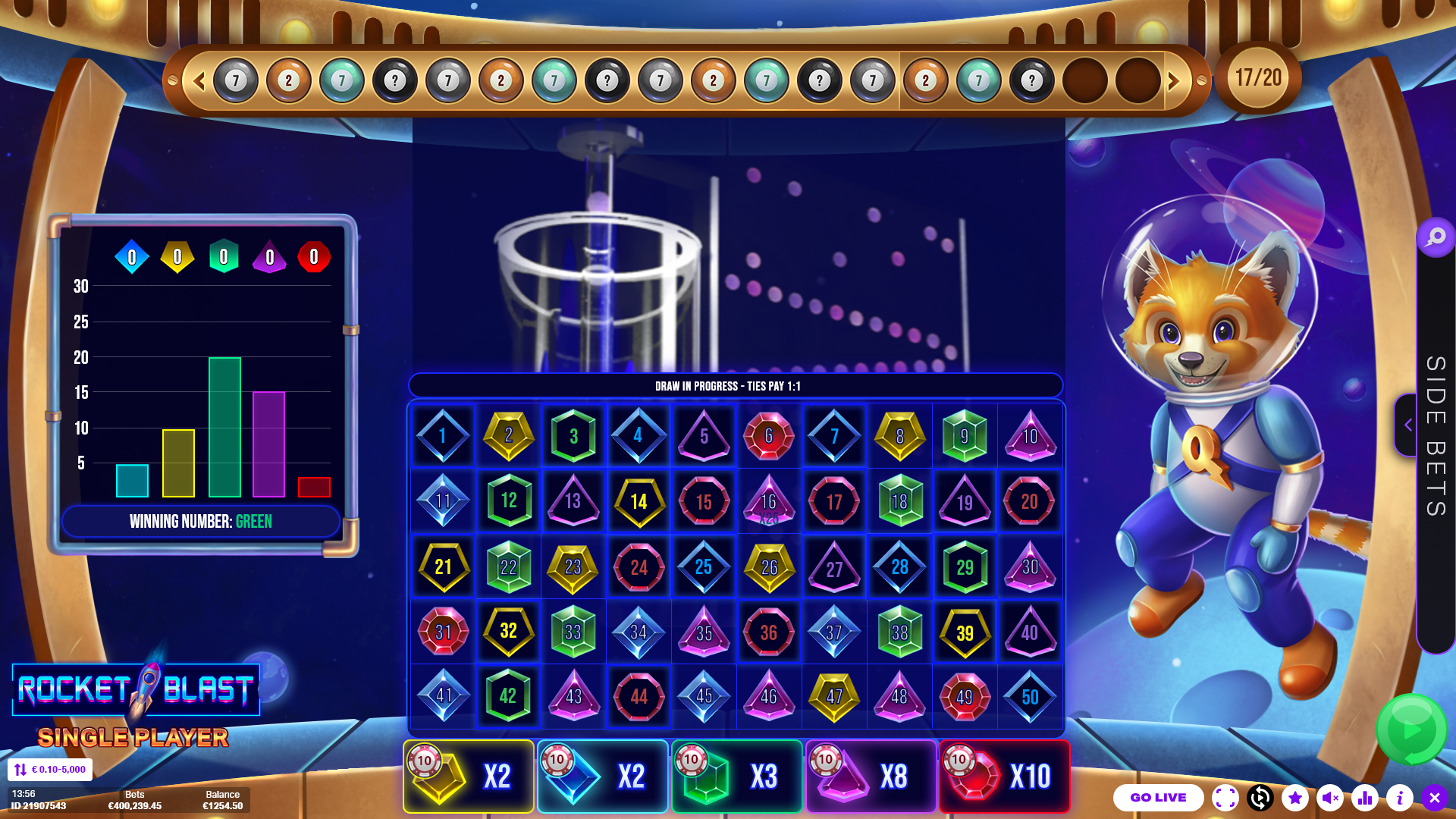
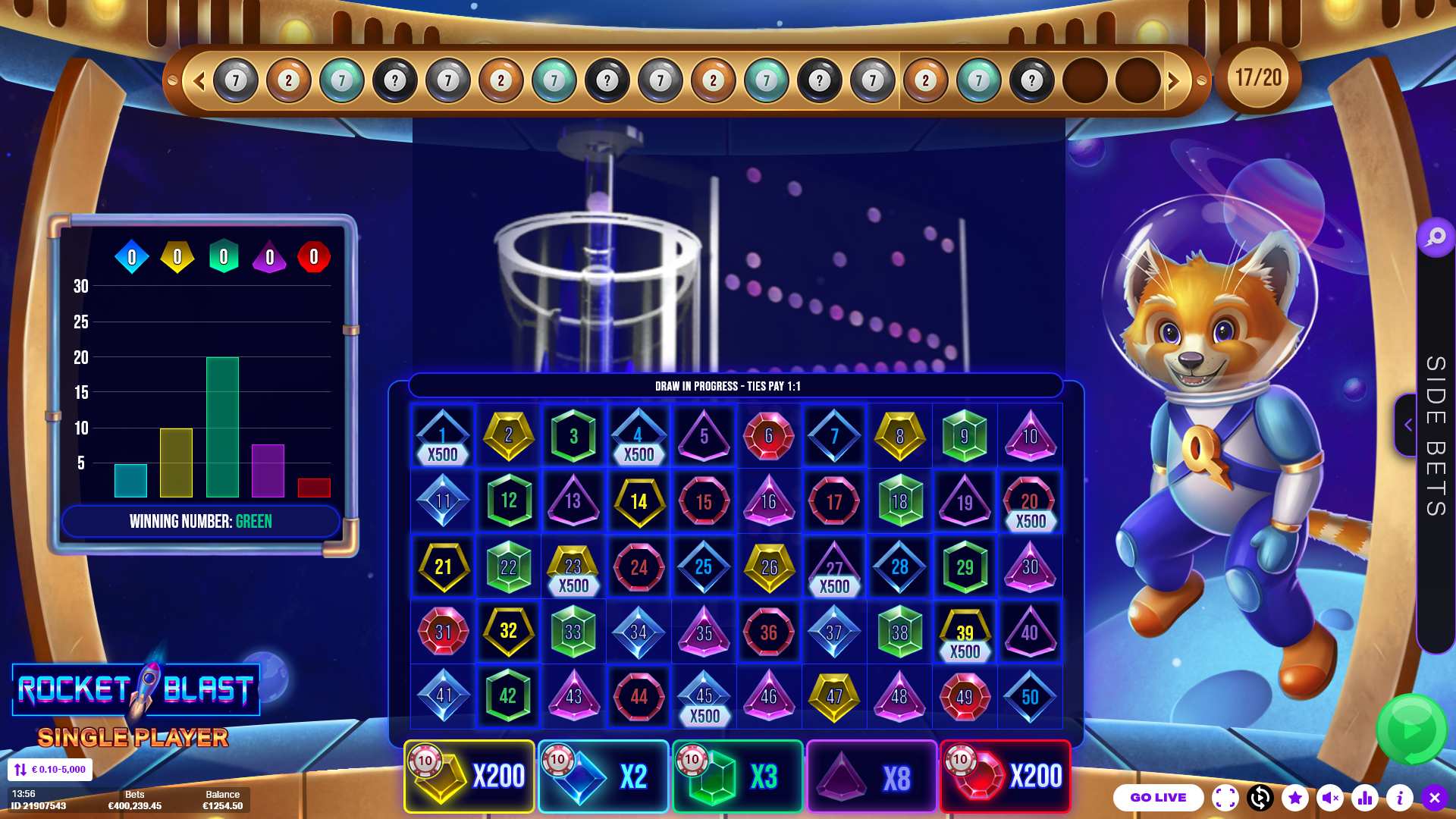
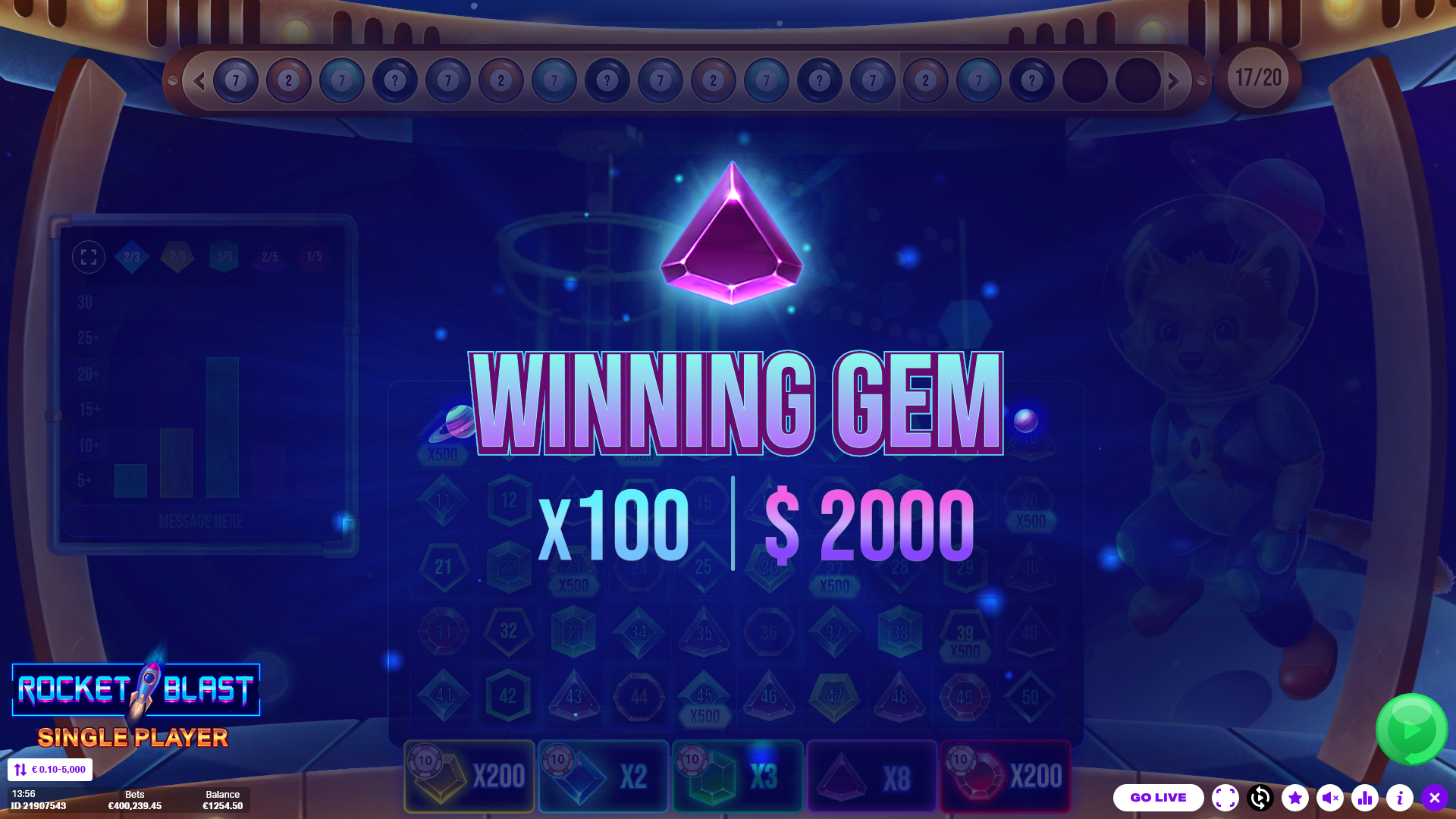
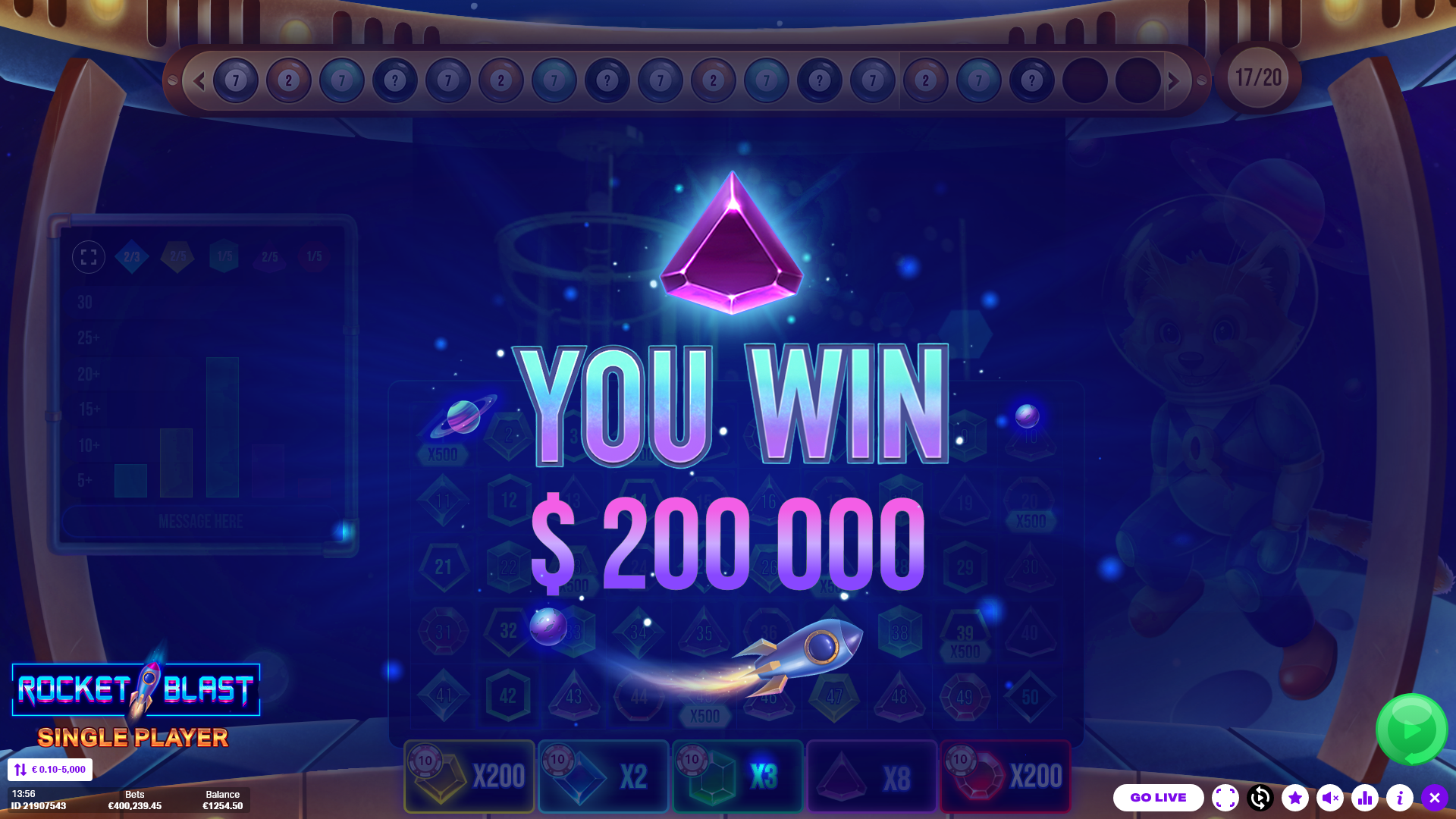
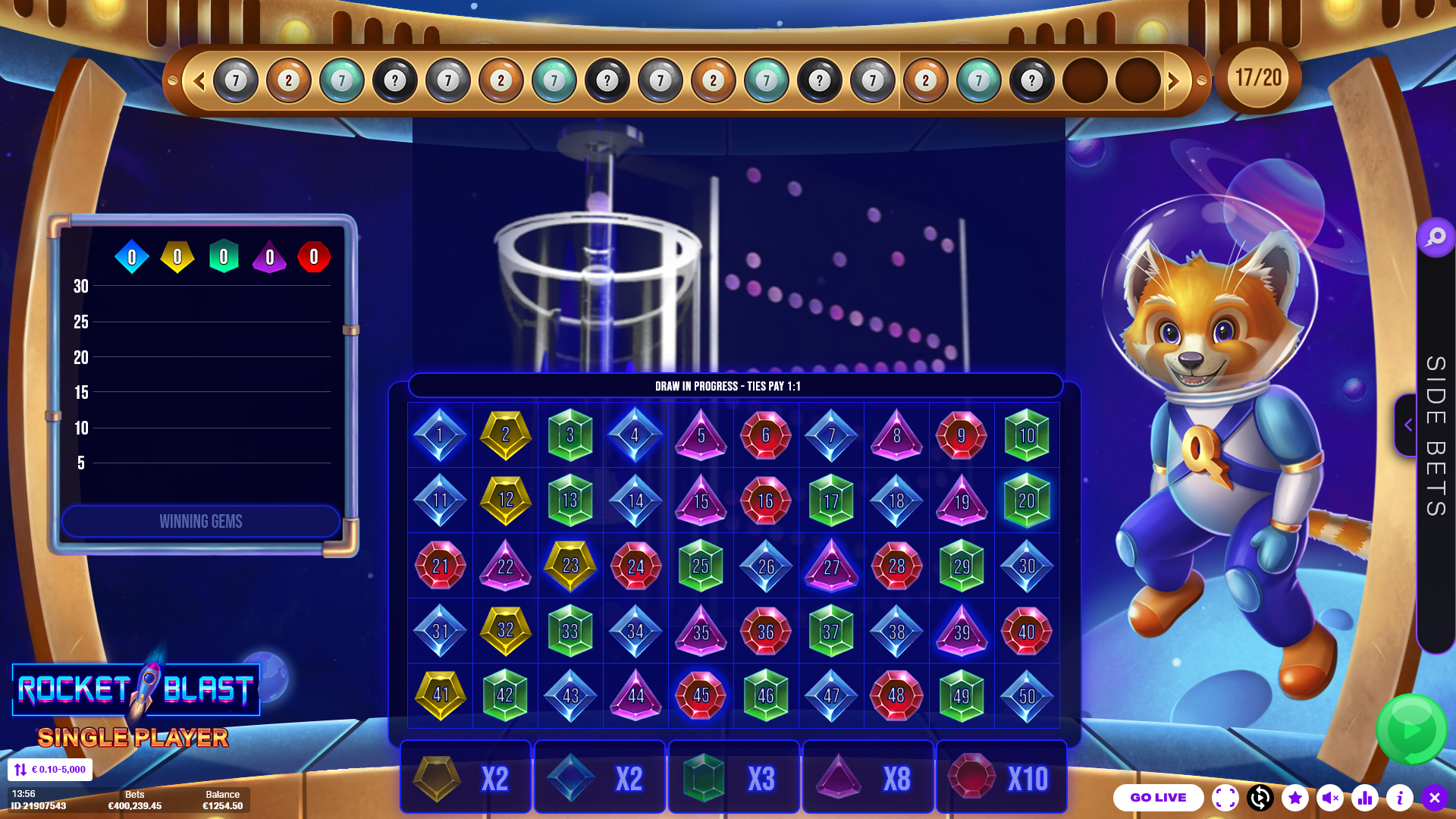
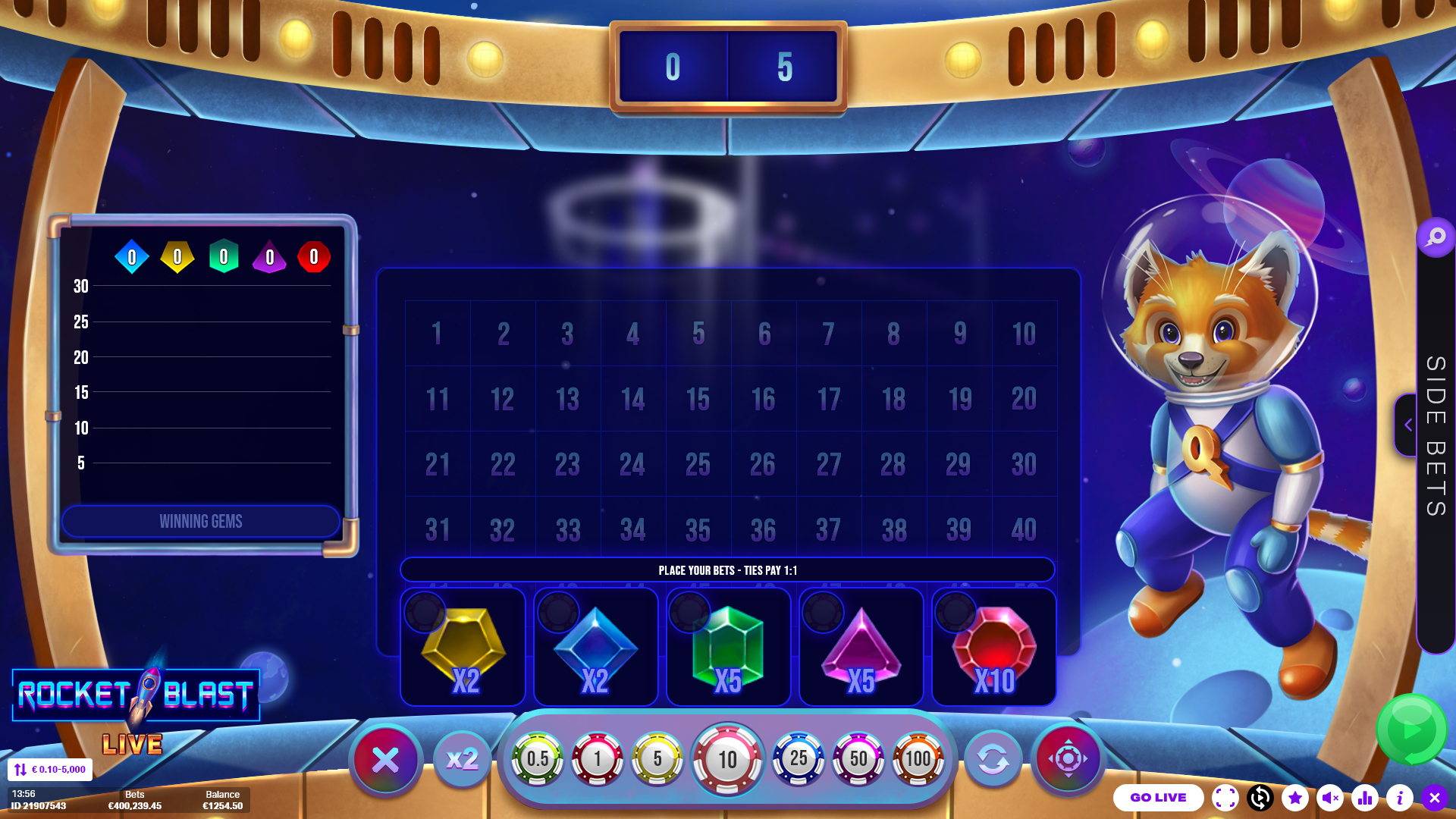
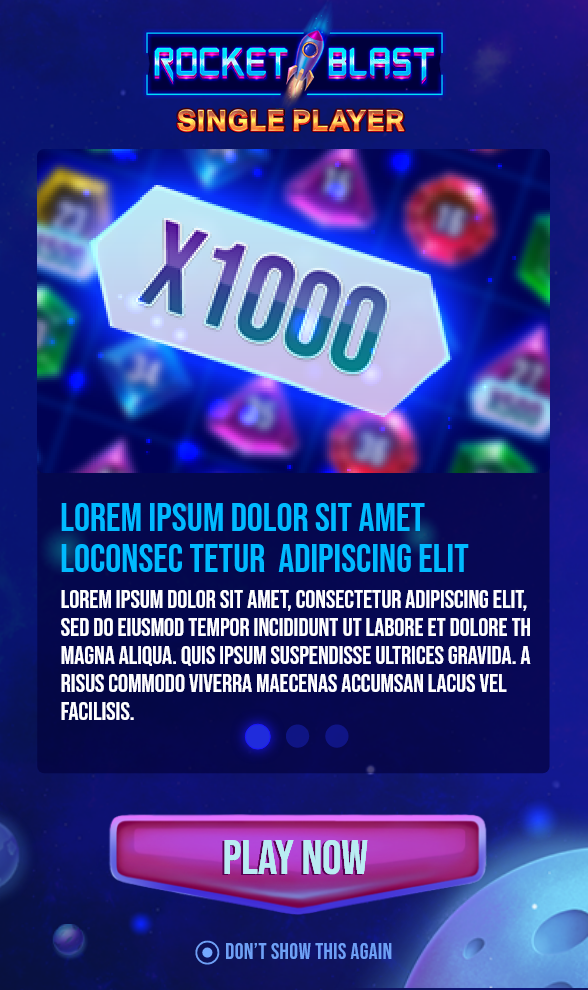
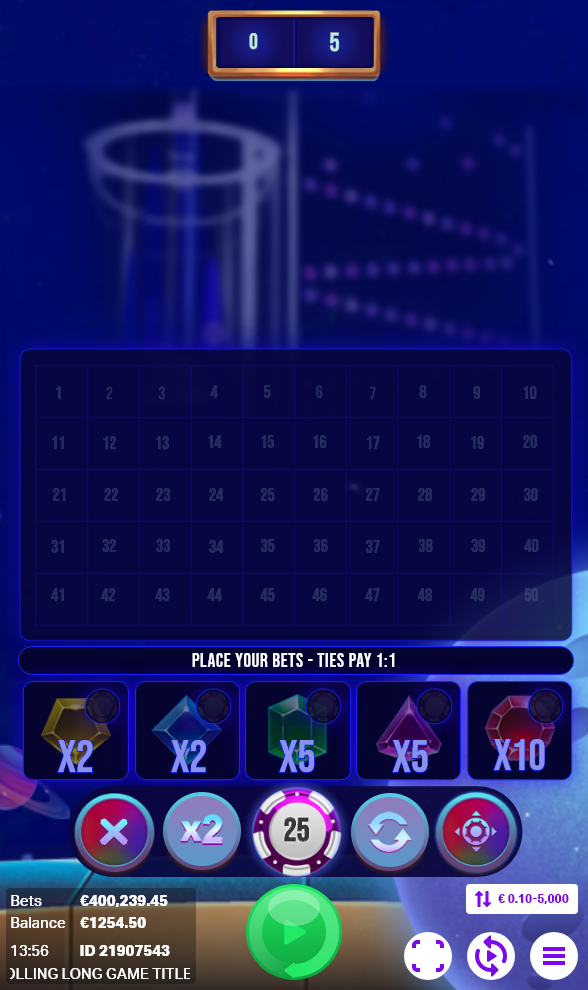
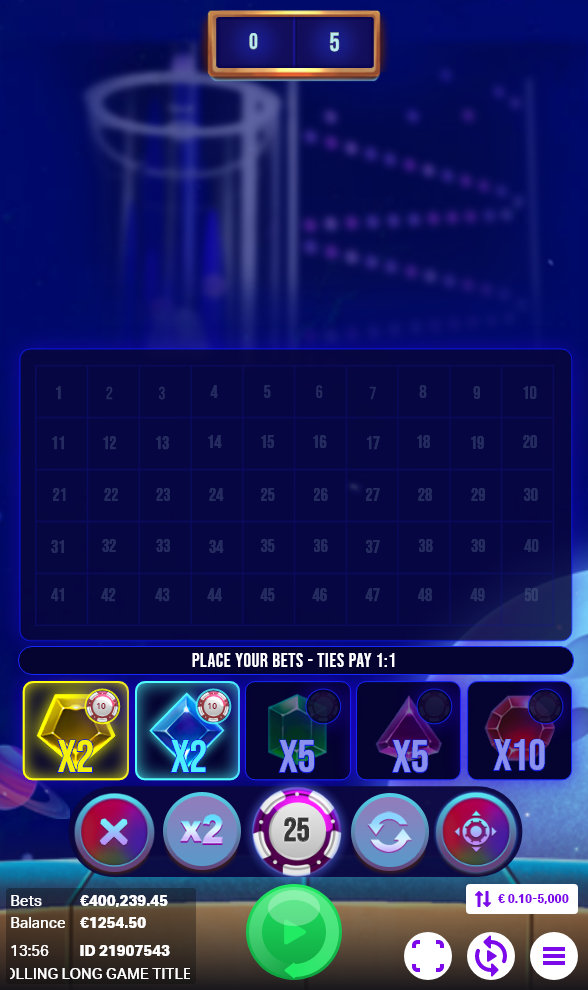
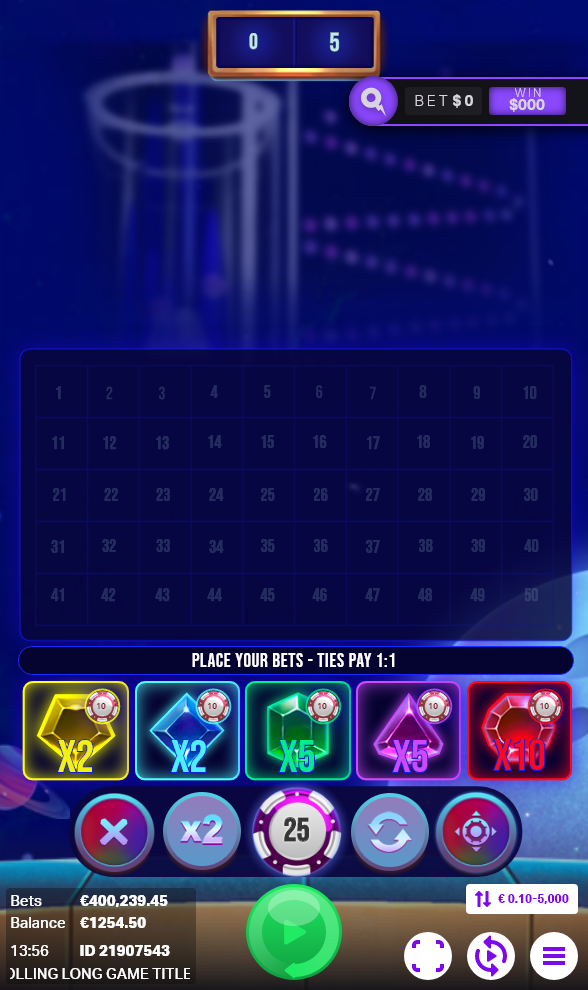
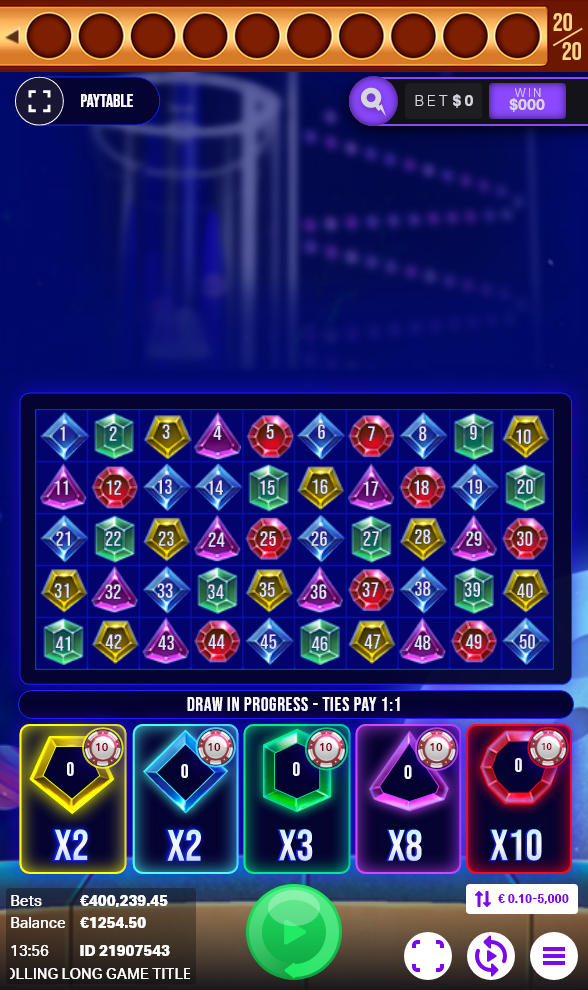
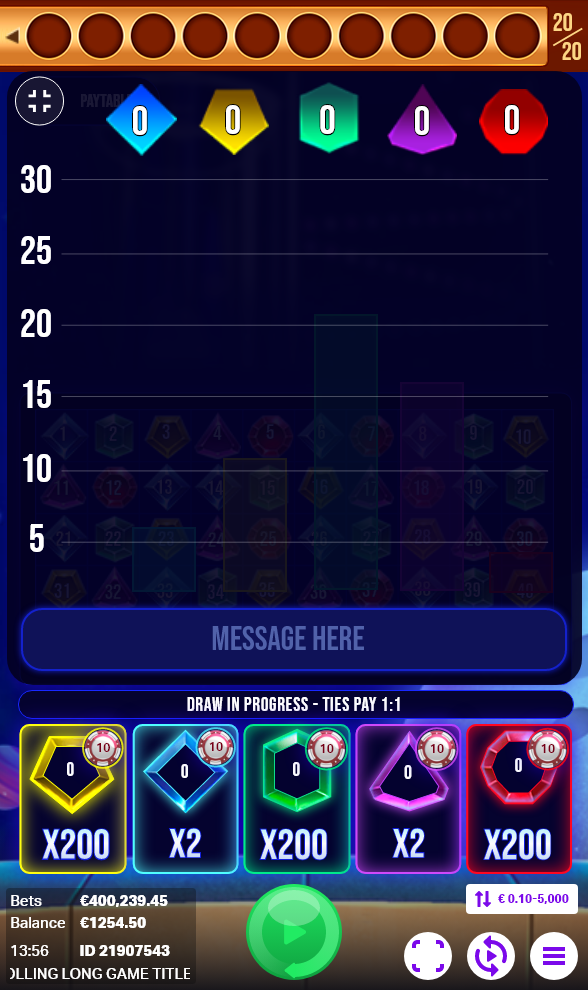
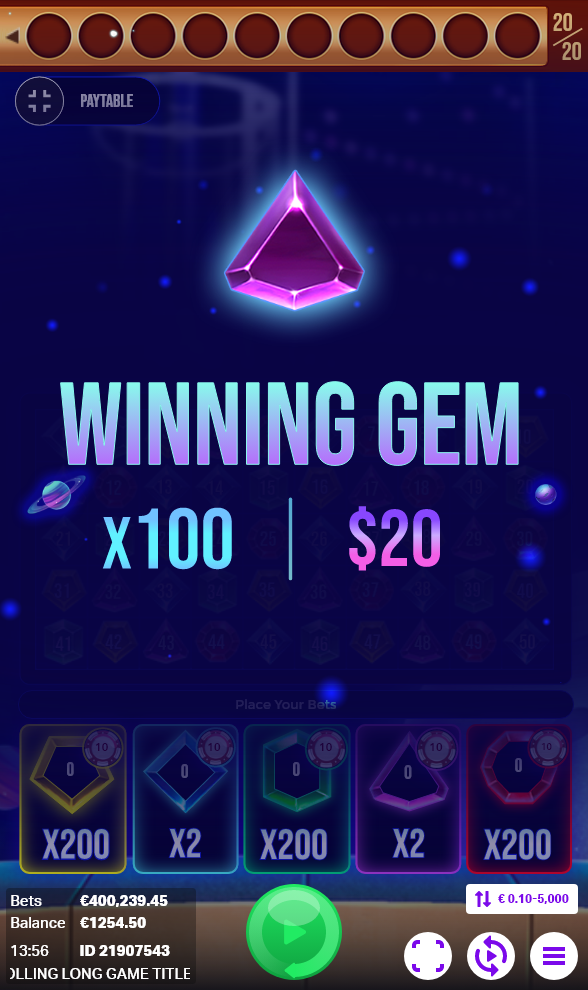
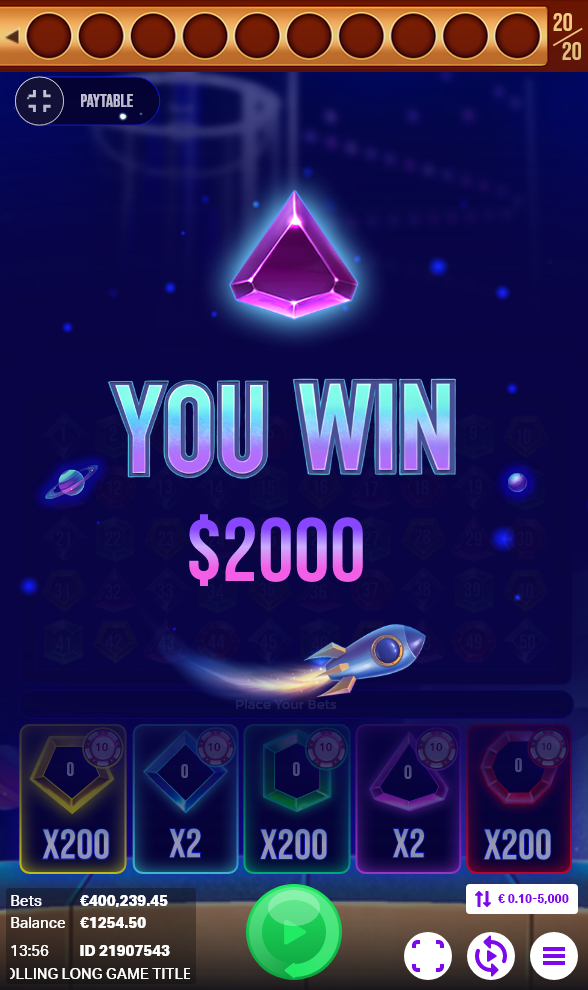
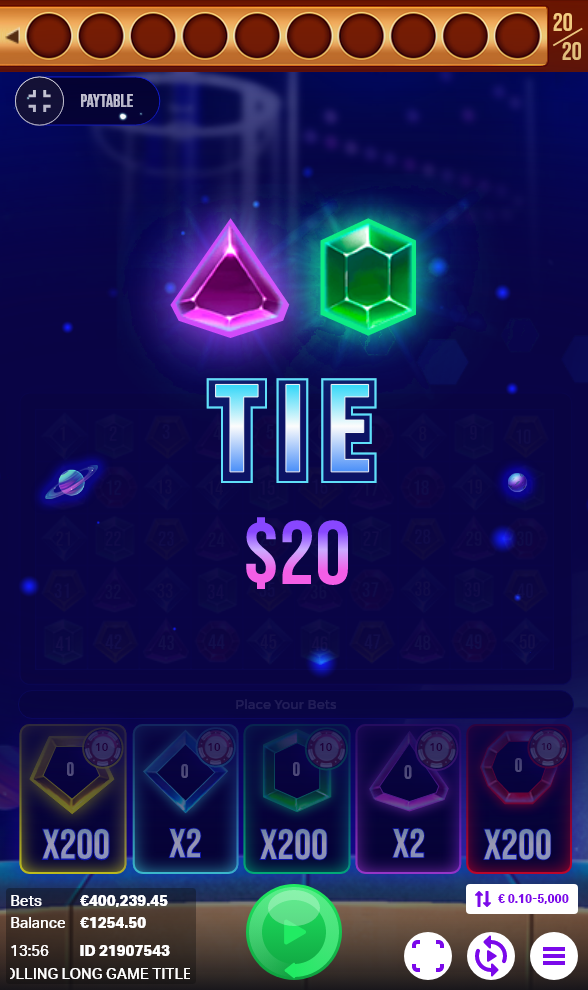
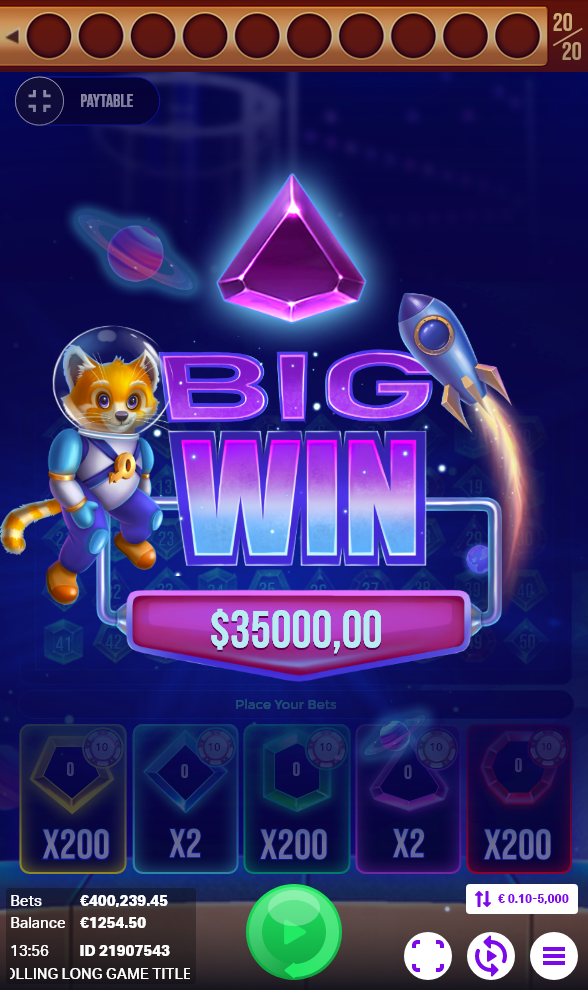
Rocket Blast is a captivating game where players engage in strategic betting using 1-5 gems, aiming to match as many gems of the same color as possible. Success leads to winning additional multipliers, and in case of a tie, players receive their original stake back. The game involves 50 numbered balls ranging from 1 to 50, each adorned with various colors. Importantly, these ball colors deliberately bear no direct correlation to the gameplay, meticulously designed to avoid aligning with the gem paytable. This deliberate design choice adds an intriguing challenge and an element of surprise to the Rocket Blast experience, setting it apart within the gaming landscape.
Key UI Contributions:
User Interface Design:
Crafted an intuitive and visually engaging user interface, allowing players to strategically place bets using 1-5 gems for matching same-colored gems.
Multipliers and Tie Mechanics:
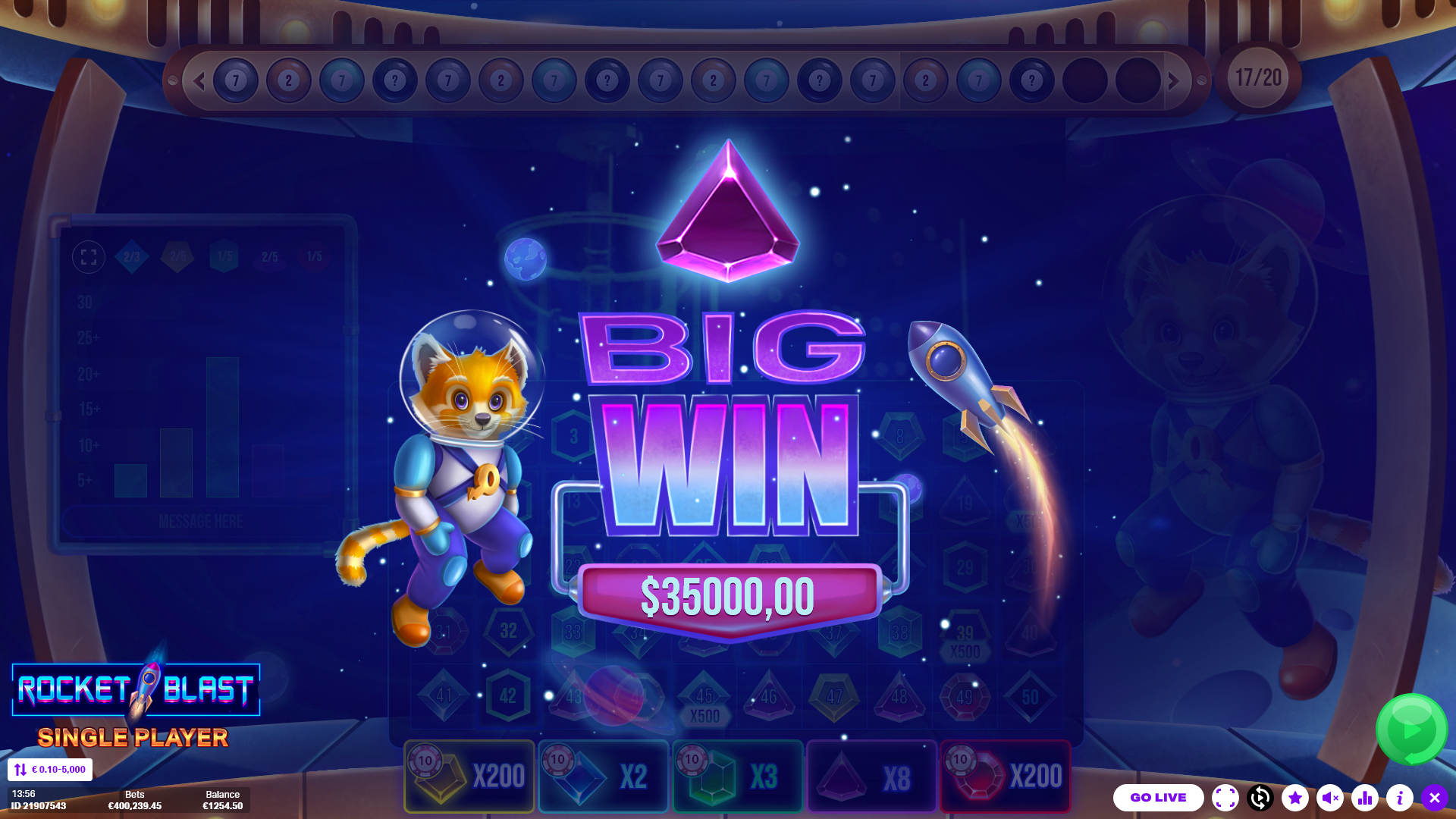
Crafted visuals and interface elements to illustrate earning extra multipliers for successful matches and securing the original stake return in ties, improving user comprehension of the game's mechanics.
Numbered Ball and Color Design:
Visualized the interface for the 50 numbered balls, each with various colors deliberately uncorrelated to the gameplay and gem paytable, adding an element of surprise and challenge. Created a design strategy that intentionally avoided aligning ball colors with the gem paytable, providing a unique and captivating gameplay experience.
My Role:
User Interface Design:
I was Involved in the creation of low-fidelity prototypes, providing a visual blueprint for the user interface design. These prototypes served as a foundation for artists to develop high-quality art assets, maintaining design consistency and alignment with user experience goals.
Collaboration and Guidance:
Collaborated closely with artists, offering guidance and support to translate low-fidelity prototypes into high-quality art assets, ensuring adherence to the design principles, style guides, and usability standards established for the project
Prototyping and Developer Support:
Transformed finalized art assets into functional prototypes, ensuring seamless integration and usability. Delivered exportable assets to developers, facilitating a smooth transition from design to development phase
Guidance for 2D Animators:
Directed professional 2D animators in creating spines from artist-provided designs. Ensured animations added interactivity without compromising user experience, enhancing user interactions for a more enjoyable and engaging interface.
Quality Assurance and Iterative Improvement:
Conducted thorough quality assurance tests on prototypes to identify and address design inconsistencies or usability issues. Iteratively improved the interface based on feedback and usability testing, aiming for an intuitive and user-friendly final product.
Cross-functional Collaboration:
Acted as a liaison between the design, artistic, and development teams, fostering effective communication and alignment across disciplines to ensure a cohesive and well-executed final product.
Design Process:
STEP 1
Design Document
STEP 2
Competitor Research
STEP 3
Low Fidelity Prototypes and iterations
STEP 4
Developer, Art and Animation Support
STEP 5
Final High Fidelity Prototype
STEP 6
Front-end Implementation
Want to know more about me follow me on my socials: