If you’ve ever opened a fresh Figma file and felt that tiny wave of dread — “Okay… now I have to set up all the pages, frames, tokens, naming, structure… again” — this plugin was built for you.
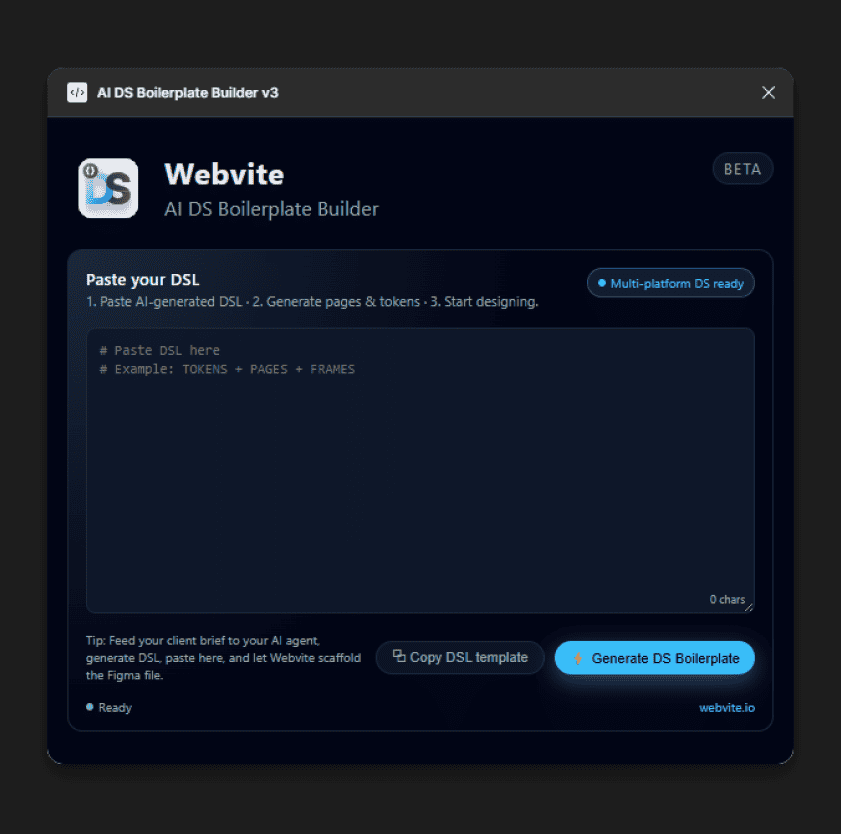
The AI DS Boilerplate Builder takes a simple text prompt (DSL) and instantly turns it into a clean, organized, studio-level design system starter file.
No more manual page creation. No more token fiddling. No more dragging frames around like you’re building IKEA furniture without the manual. Just paste the DSL → click → boom → project scaffolded.
Project Case Study
1. Why I Built It
I do a LOT of system-oriented Figma work — design systems, mobile apps, admin dashboards. And every new file always starts the same:
Create 14+ pages
Add frames inside each
Set up spacing tokens
Create radius scales
Add typography variables
Build a header
Organize everything
Try not to lose my will to live
So I built the tool I always wished existed.
A “start my entire project for me” button.
2. The Simple Version of How It Works
You give your AI agent a project brief.
It spits out a DSL (basically a structured description of pages/frames/tokens).
Your file is ready to design in seconds, not hours.
4. Who This Is For
Designers who create design systems
Designers who hate file setup
Agencies who need repeatable structure
Dev teams who want consistent naming
Anyone building multi-platform UI work
Freelancers who want to look… superhumanly fast
Basically, if you ever say:
“I wish Figma just created all the boring stuff for me.”
Then this plugin is your new best friend.
3. What’s Inside the Auto-Generated File
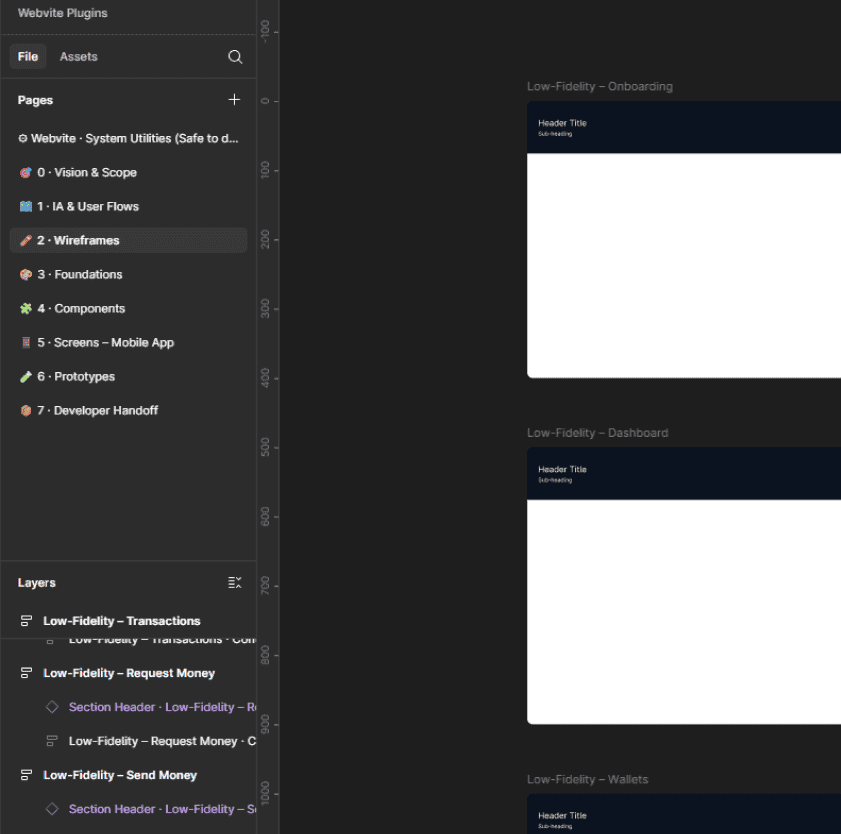
Pages & Frames
Everything is neatly labeled, sorted, and structured with auto-layout. (Something we all say we’ll do every time but rarely do consistently.)
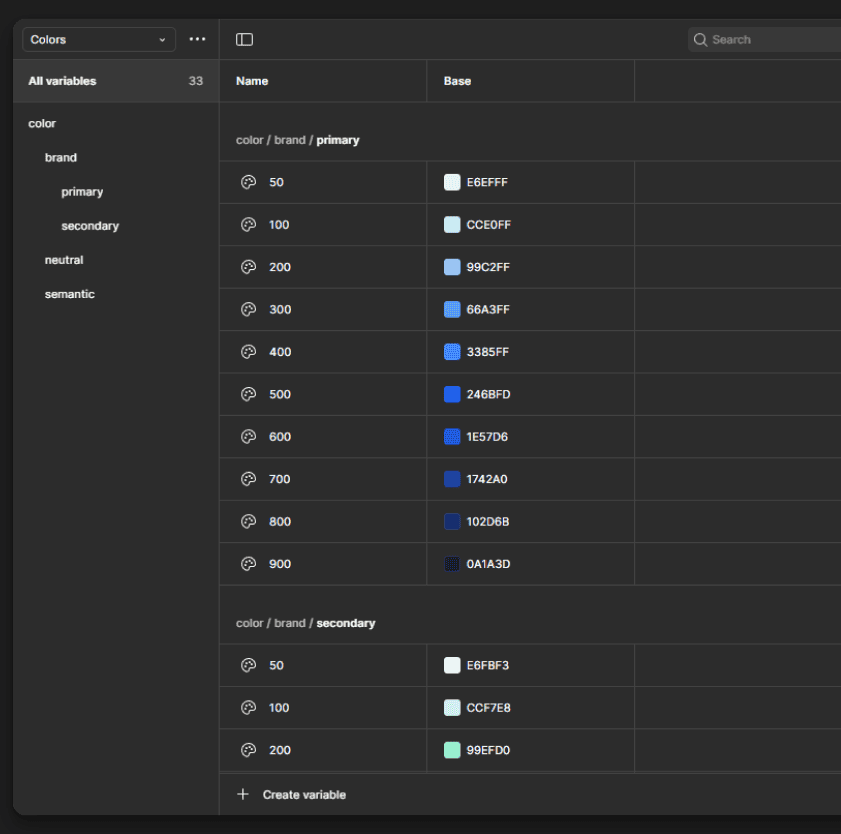
Design Tokens
The plugin builds:
Color scales
Spacing scale
Radius scale
Typography sizes
UI numeric tokens Everything grouped into clean, well-named variable collections.
Section Header Component
Each page comes with a Webvite-style header that includes:
Page title (auto-filled)
Subtitle area
Notes
Logo placeholder
It snaps perfectly to the top of each frame, so every page starts clean and consistent.
5. What’s Coming Next (the exciting stuff)
I’m planning a whole suite under Webvite:
AI Component Builder
AI Token Engine
Page Layout Generator
Multi-brand DS Builder
Premium cloud storage for DSL presets
Basically:
Design systems that build themselves.
6. How I Built It (no jargon, promise)
While the core UI remains consistent, each Lotto game gets its own theme layer:
Custom DSL interpreter
Dynamic variable generator
Auto-layout construction engine
Zero dependencies
Built with the Figma Plugin API
Engineered so future plugins can hook into it (like component builders, token generators, etc.)
Eyfriend-style philosophy:
Simple tools, big impact, no nonsense.
7. Final Thoughts
This plugin was born from real frustration, real workflows, and a real need for speed. It’s the tool that lets me — and hopefully thousands of designers — skip the repetitive admin work and jump straight into actual design.
Fast, clean, organized, and intentionally simple. That’s the Eyfriend way.