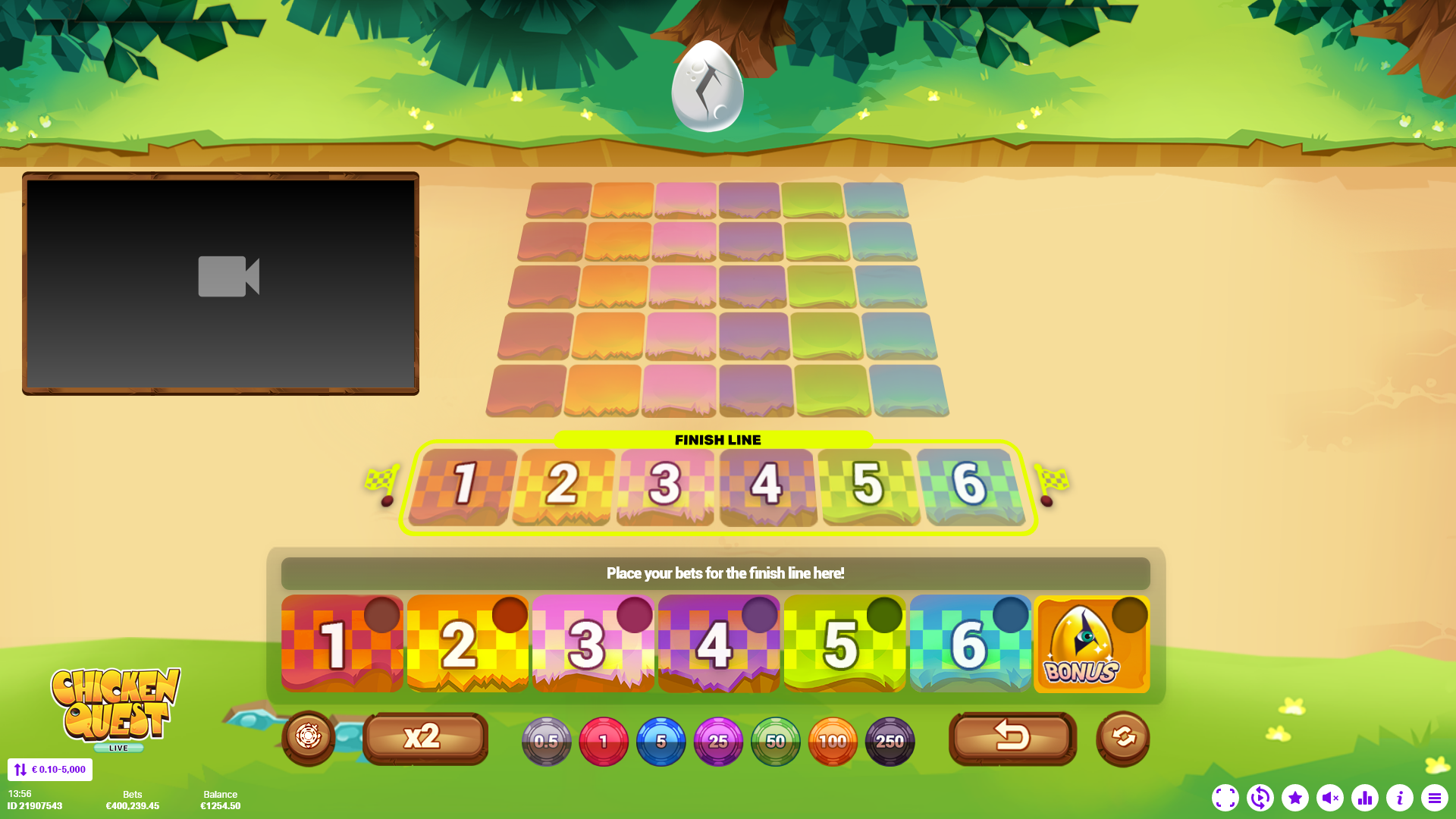
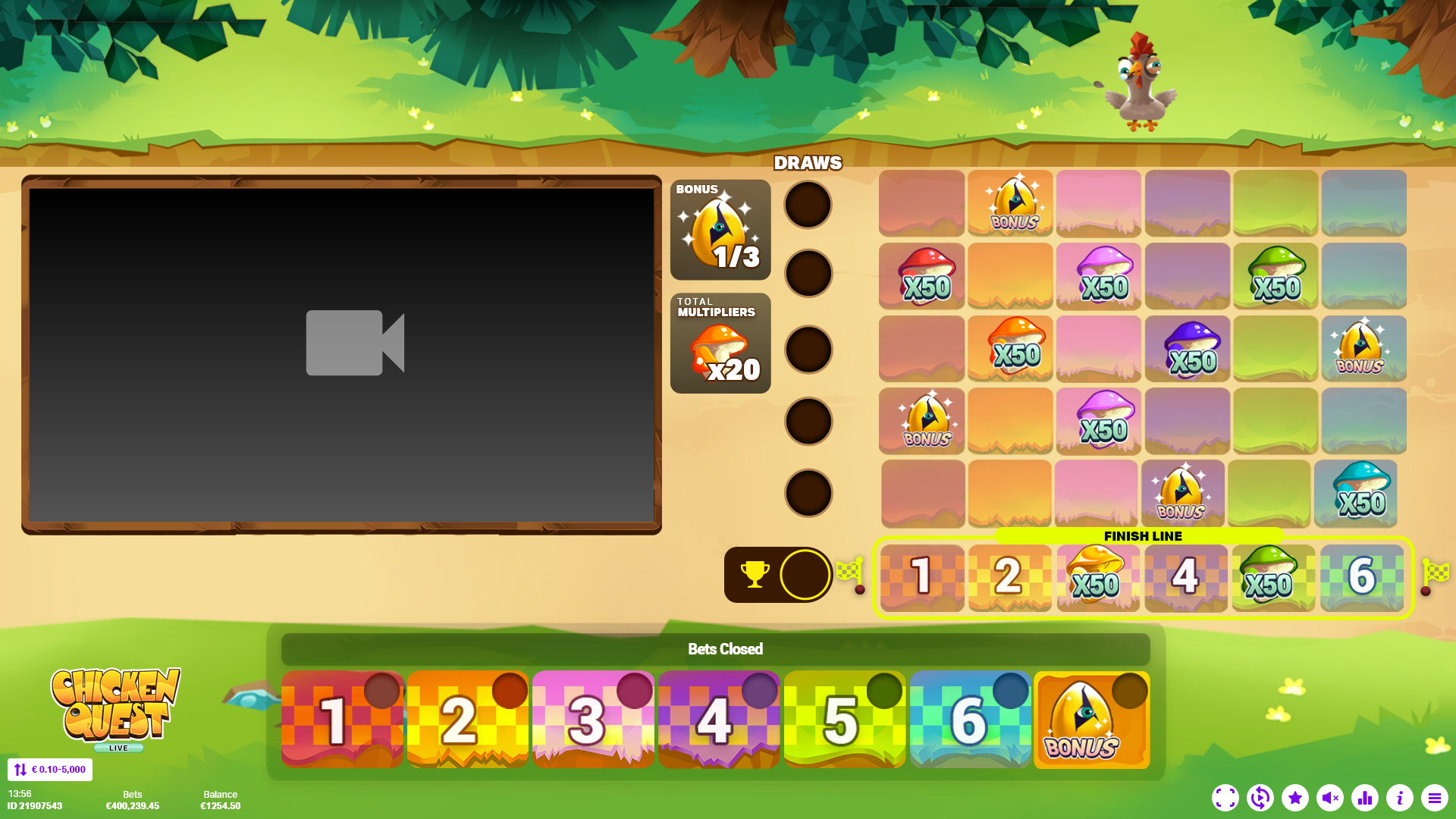
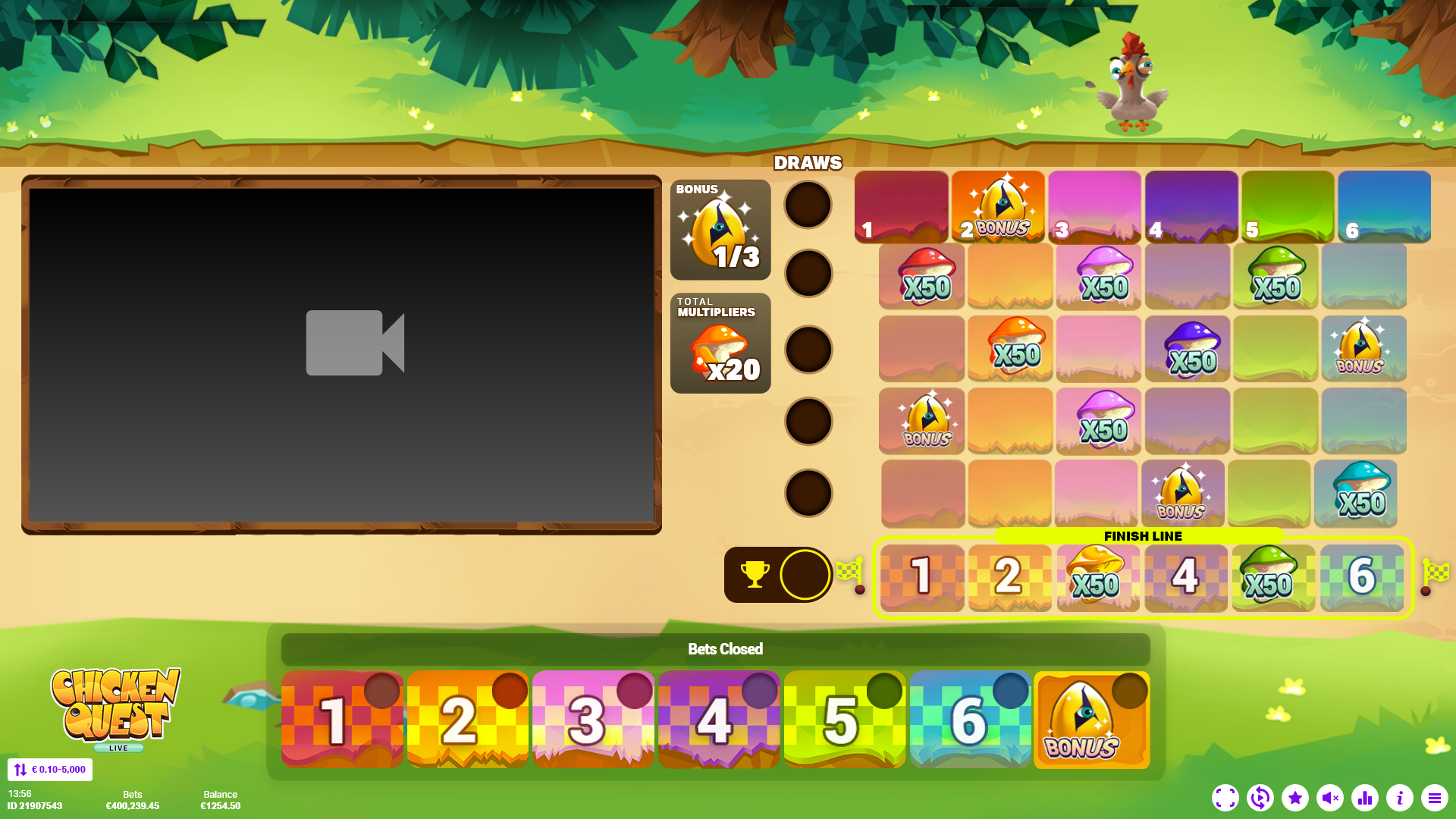
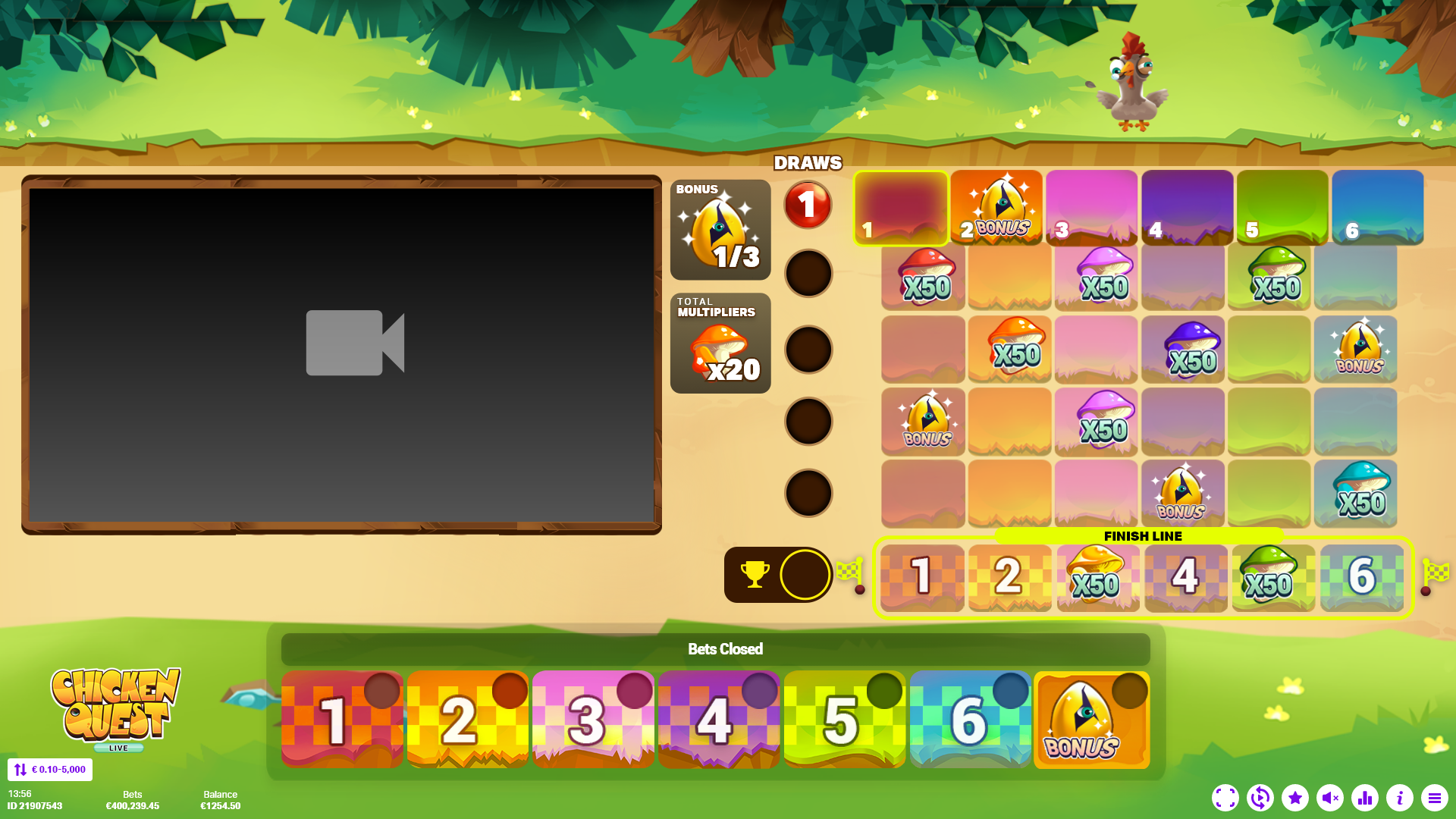
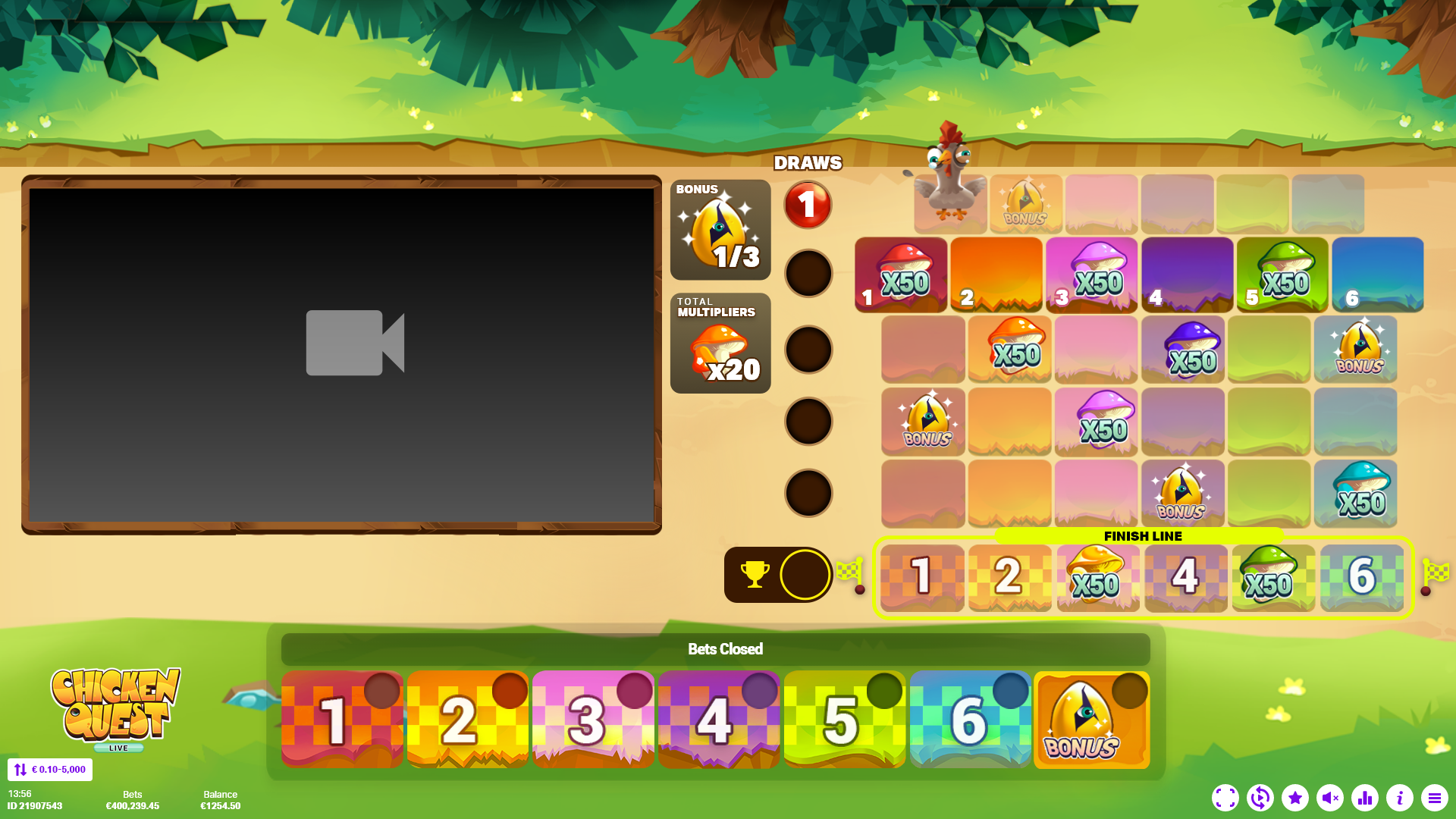
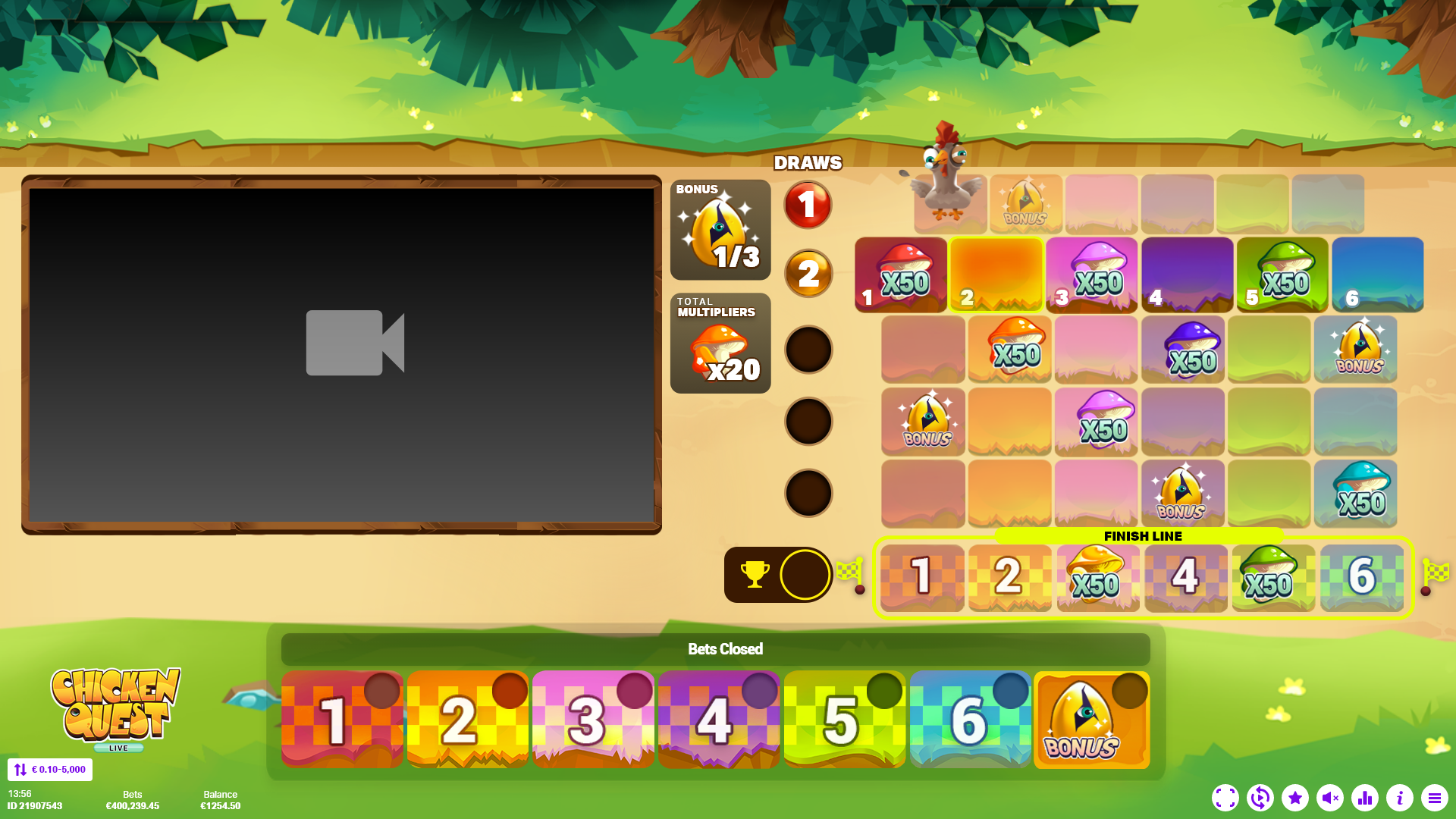
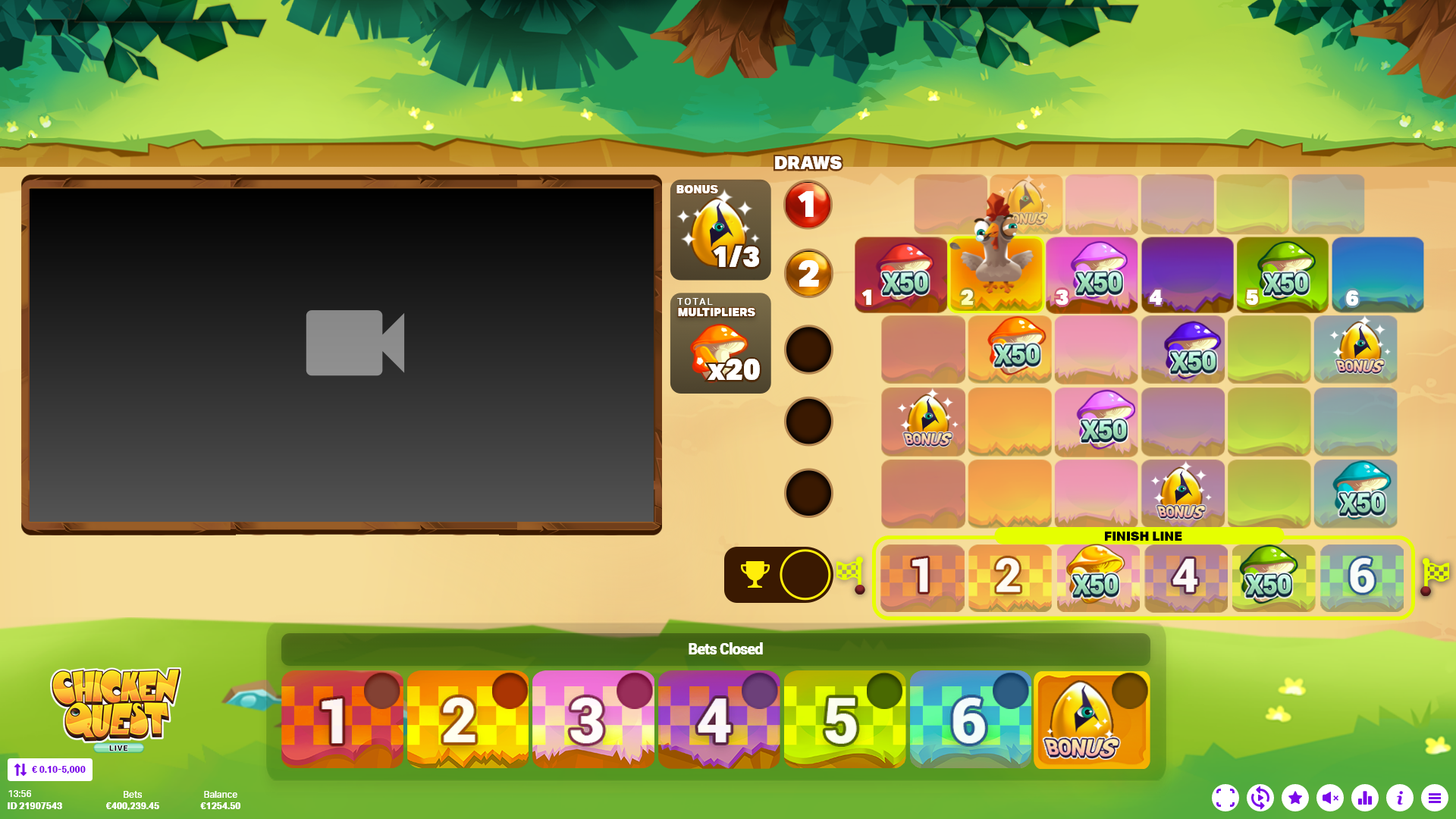
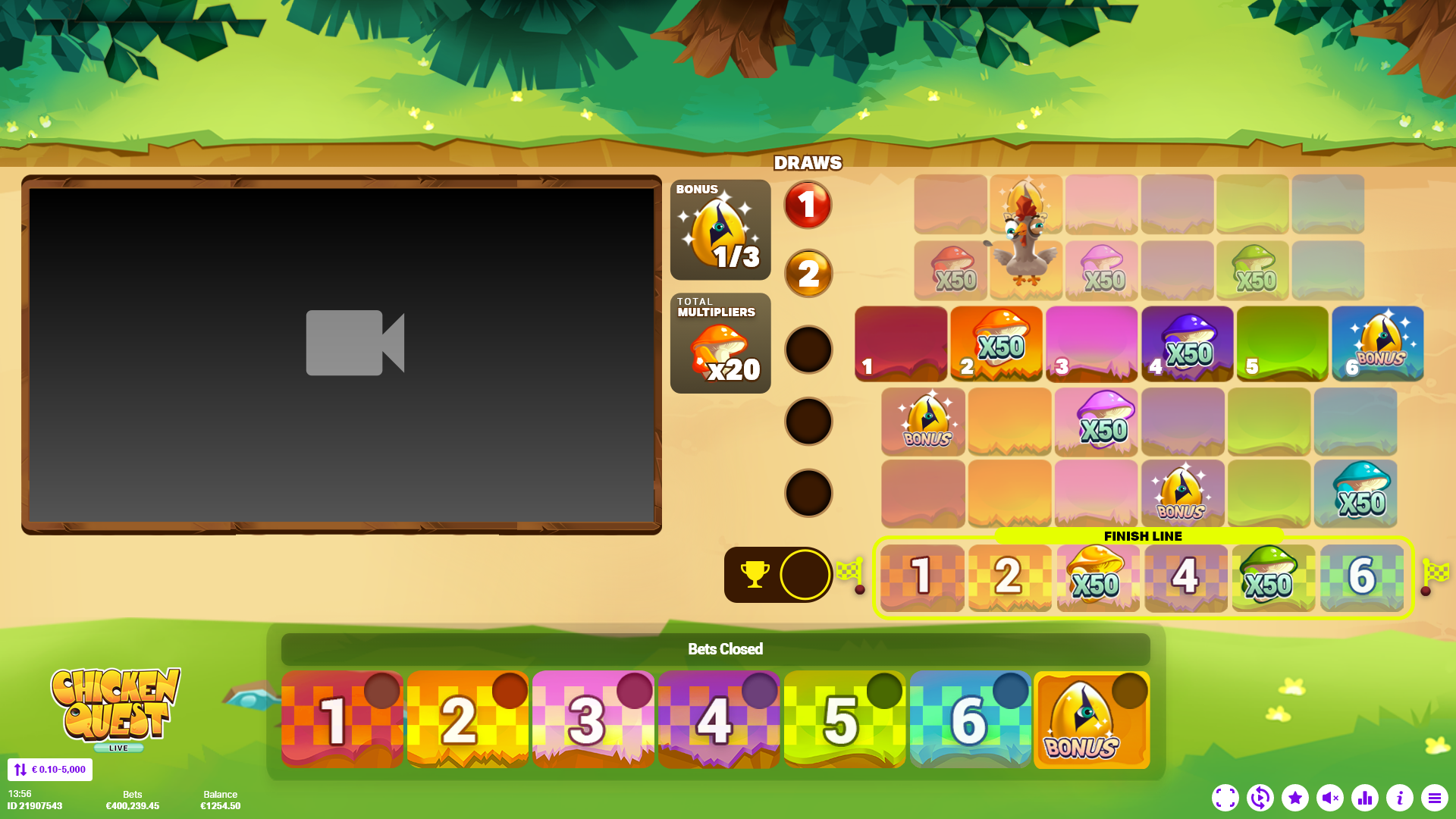
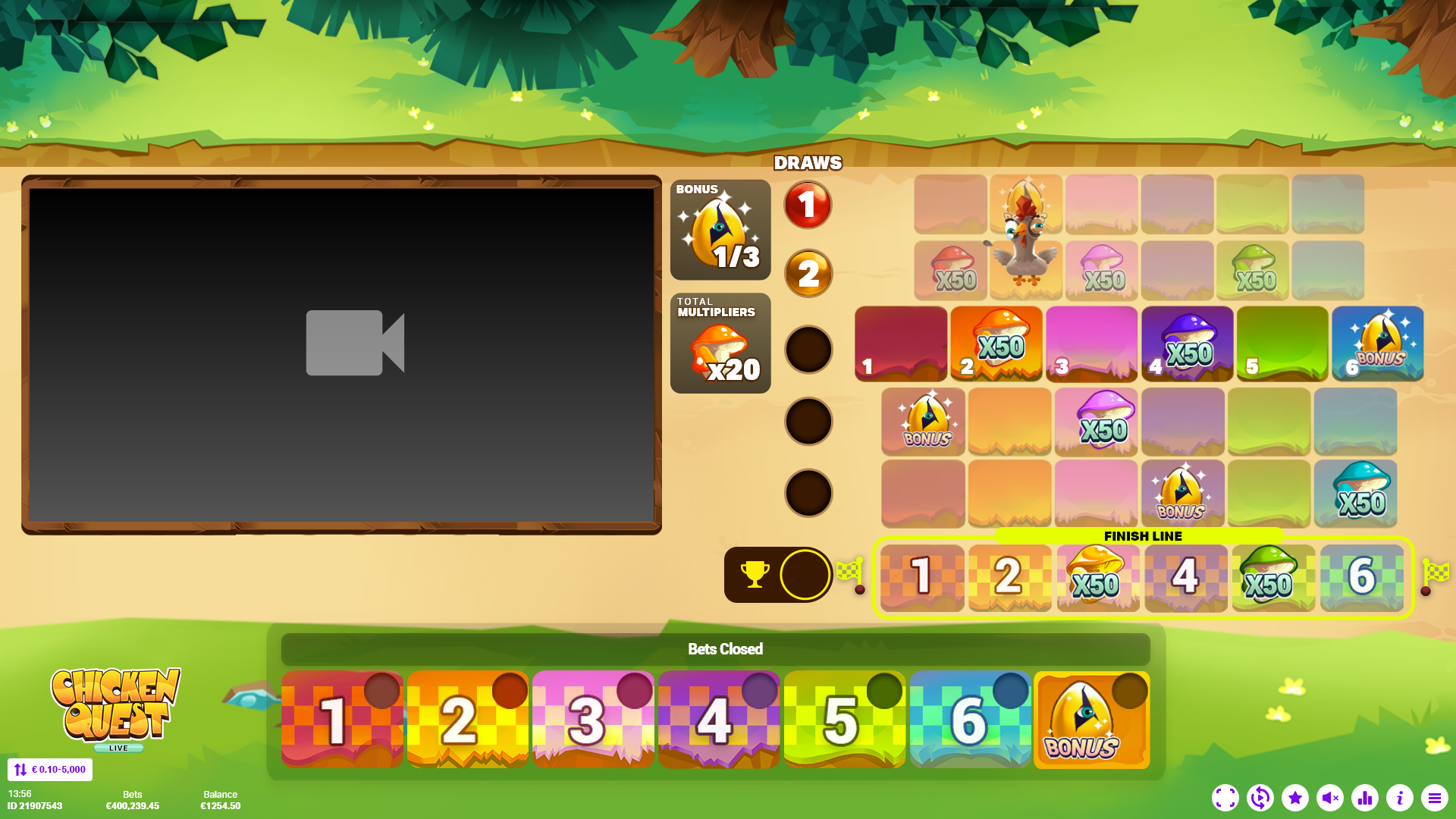
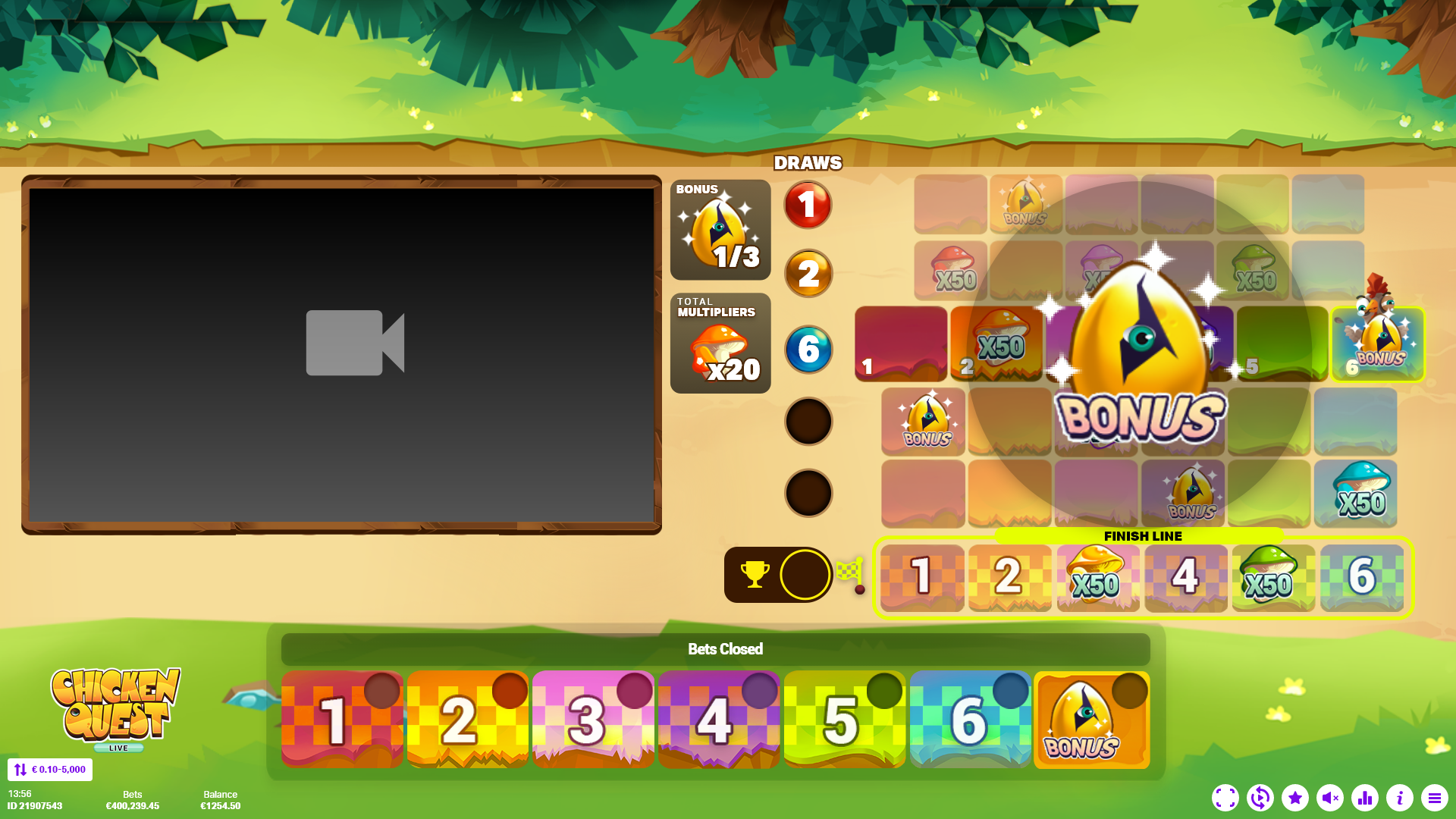
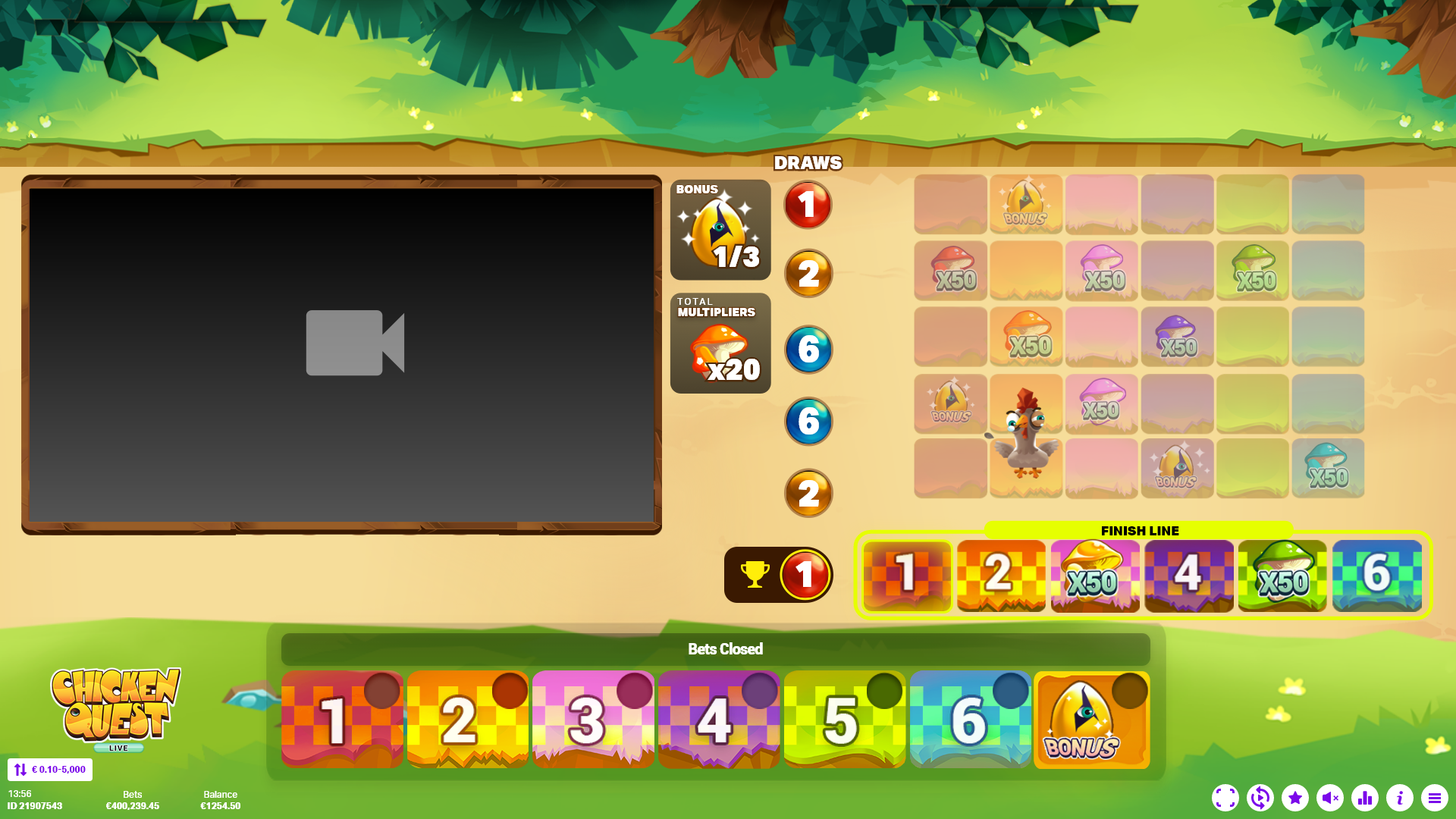
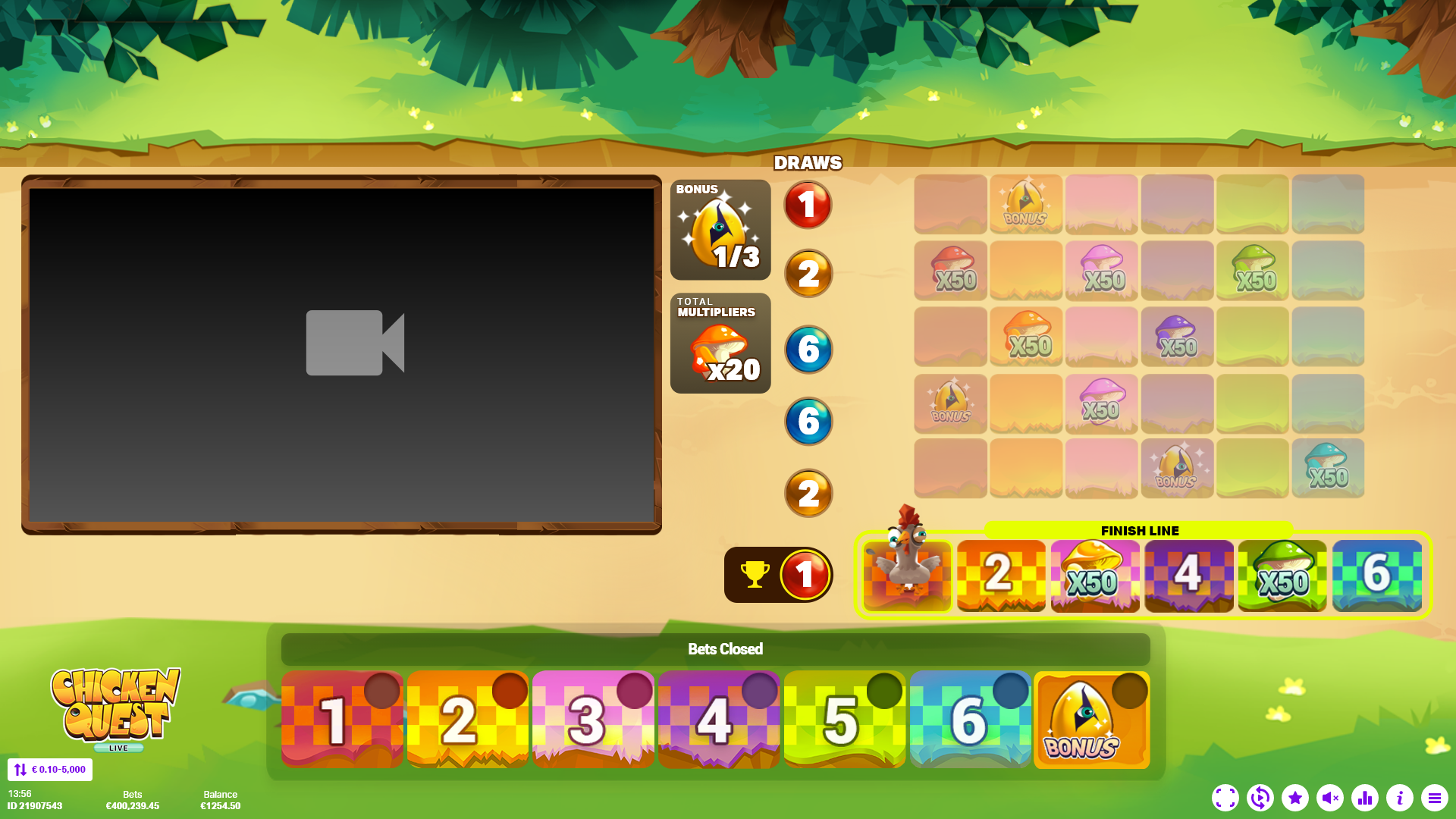
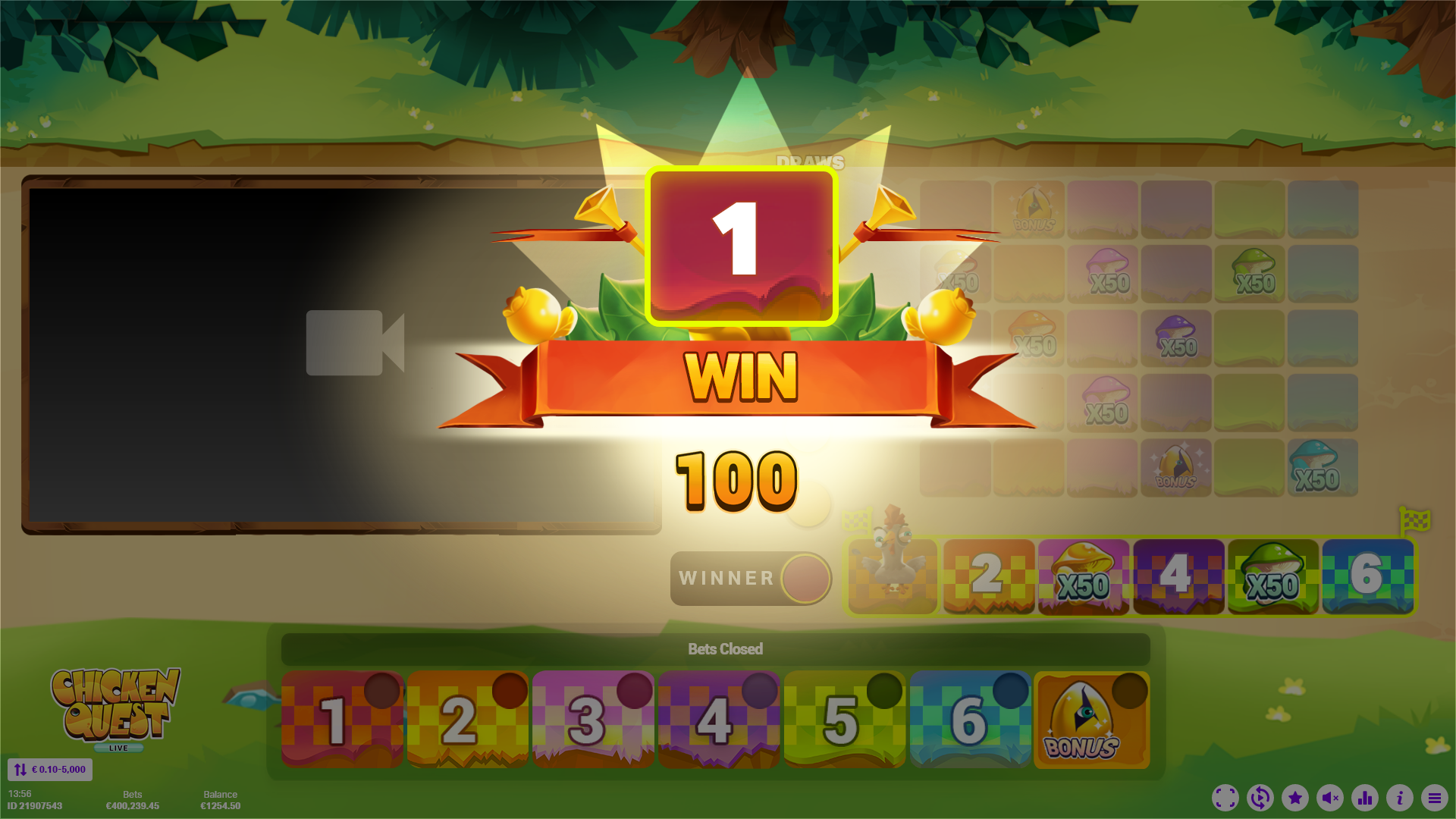
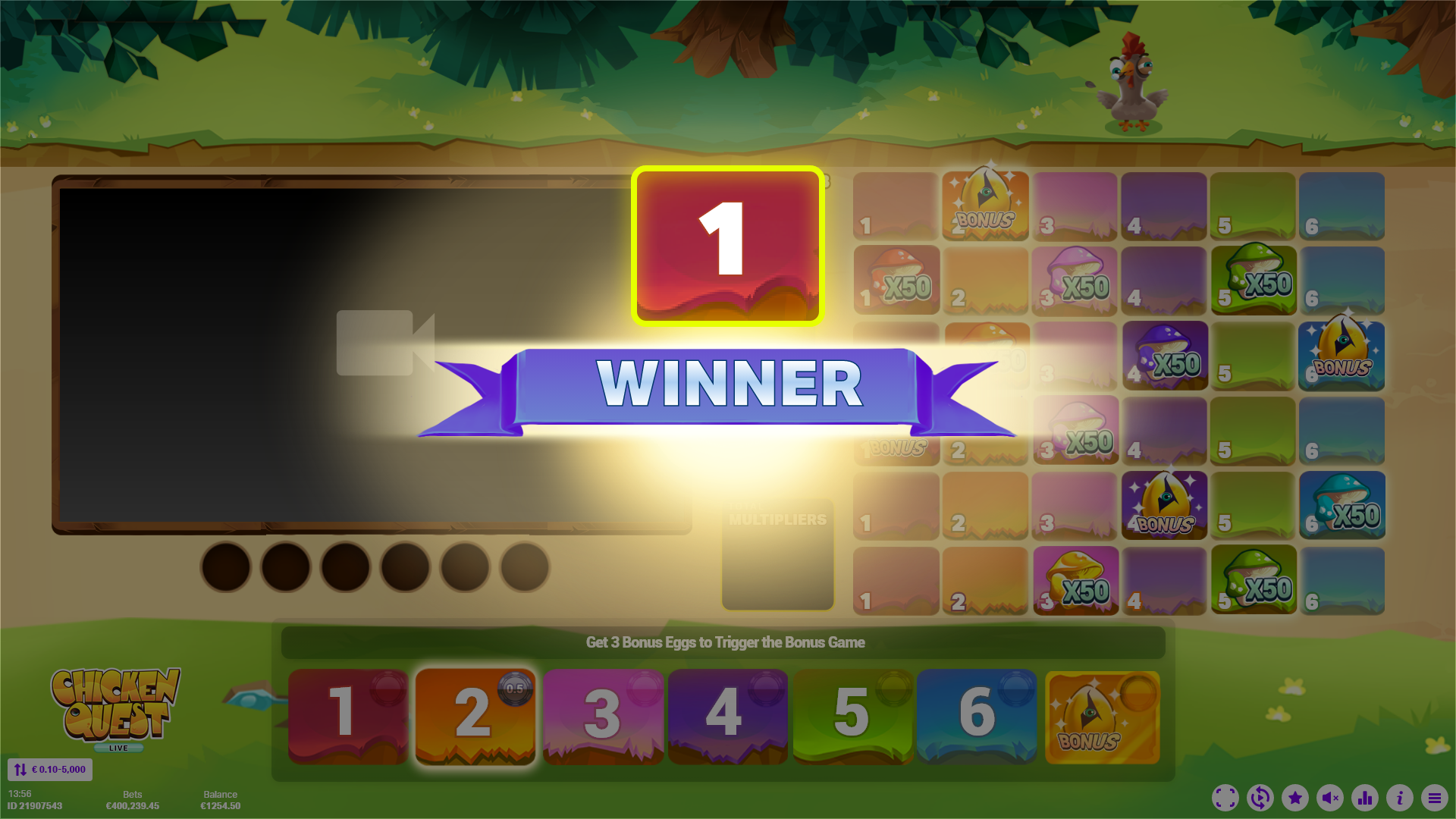
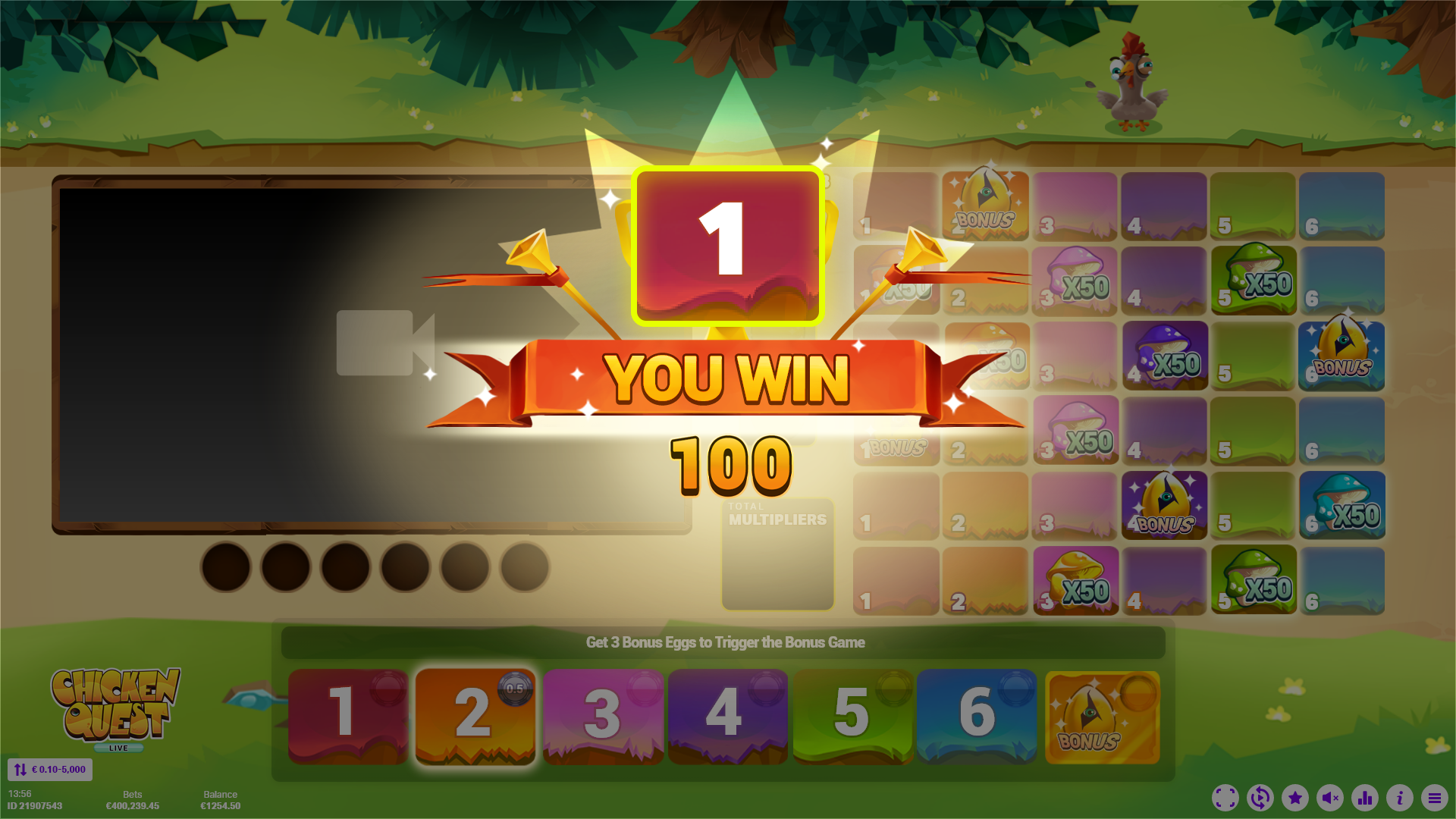
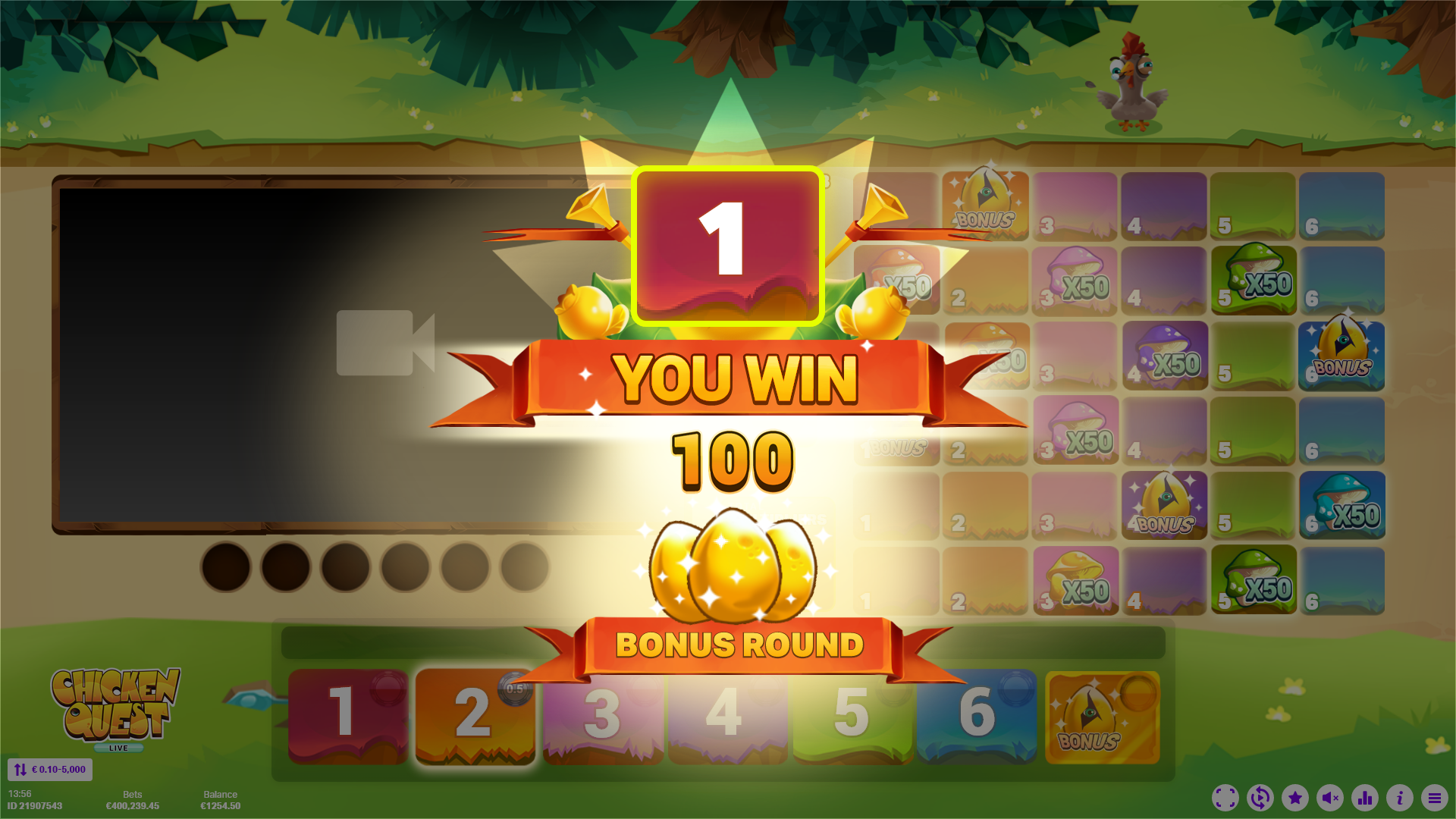
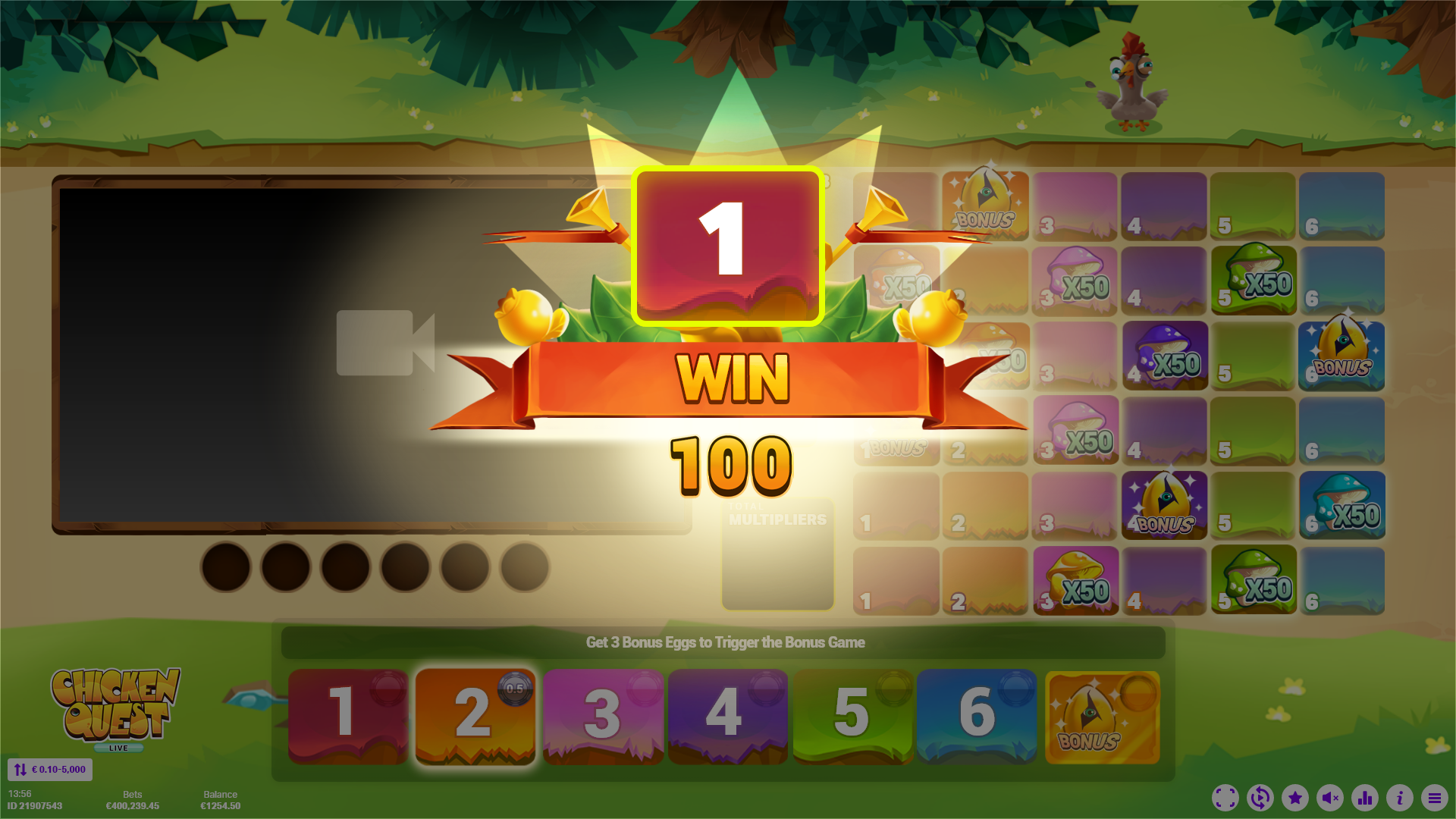
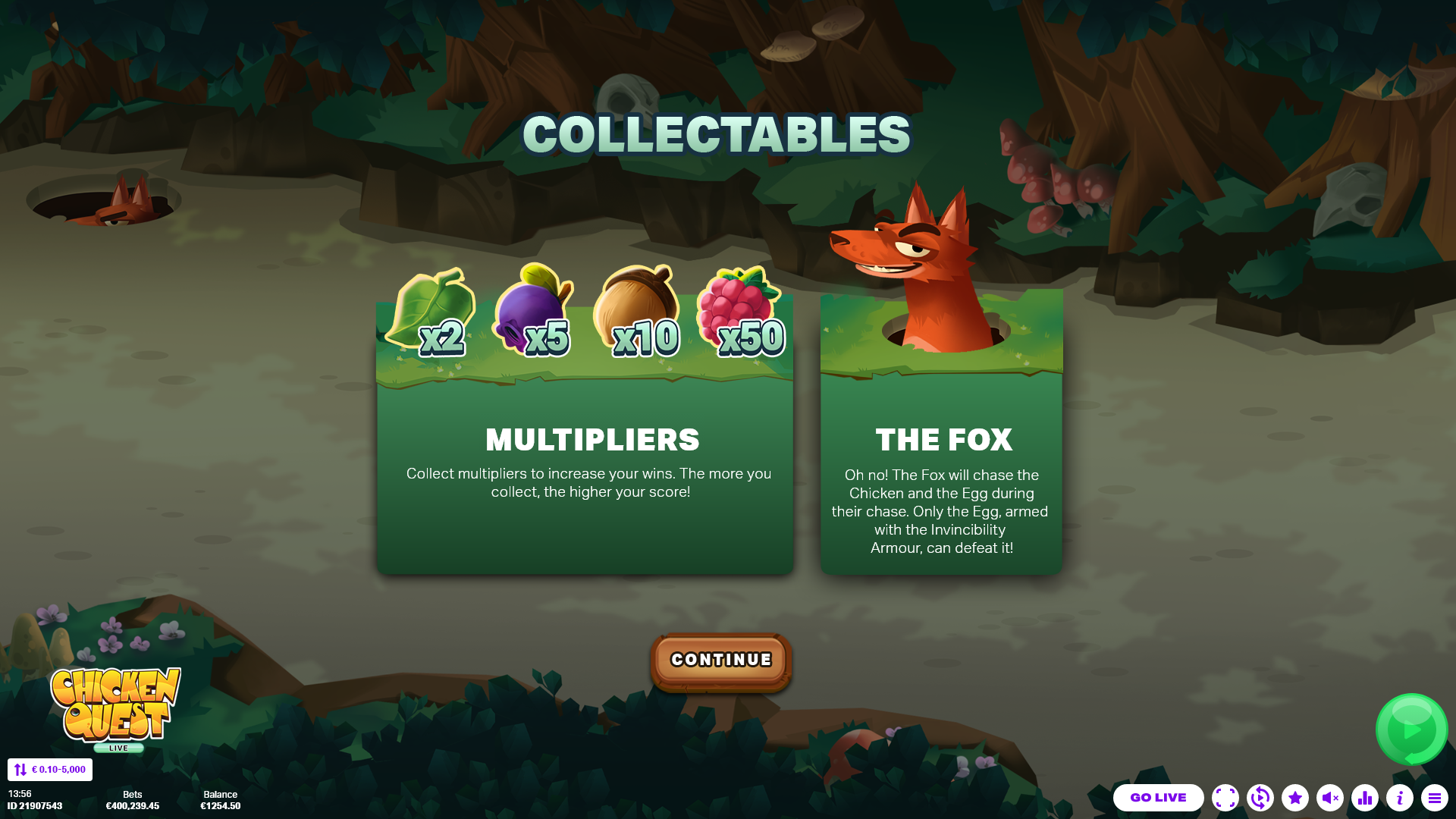
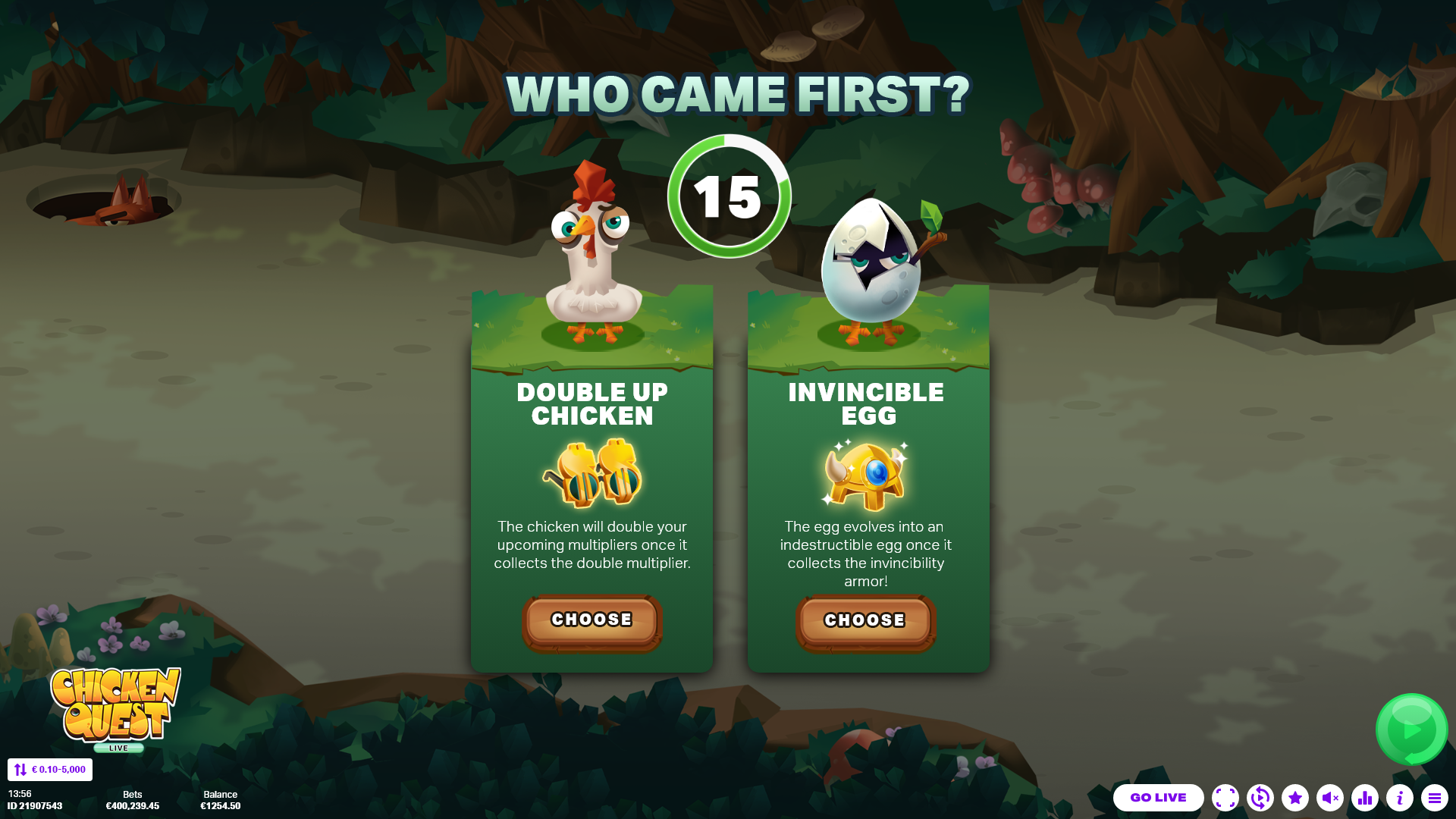
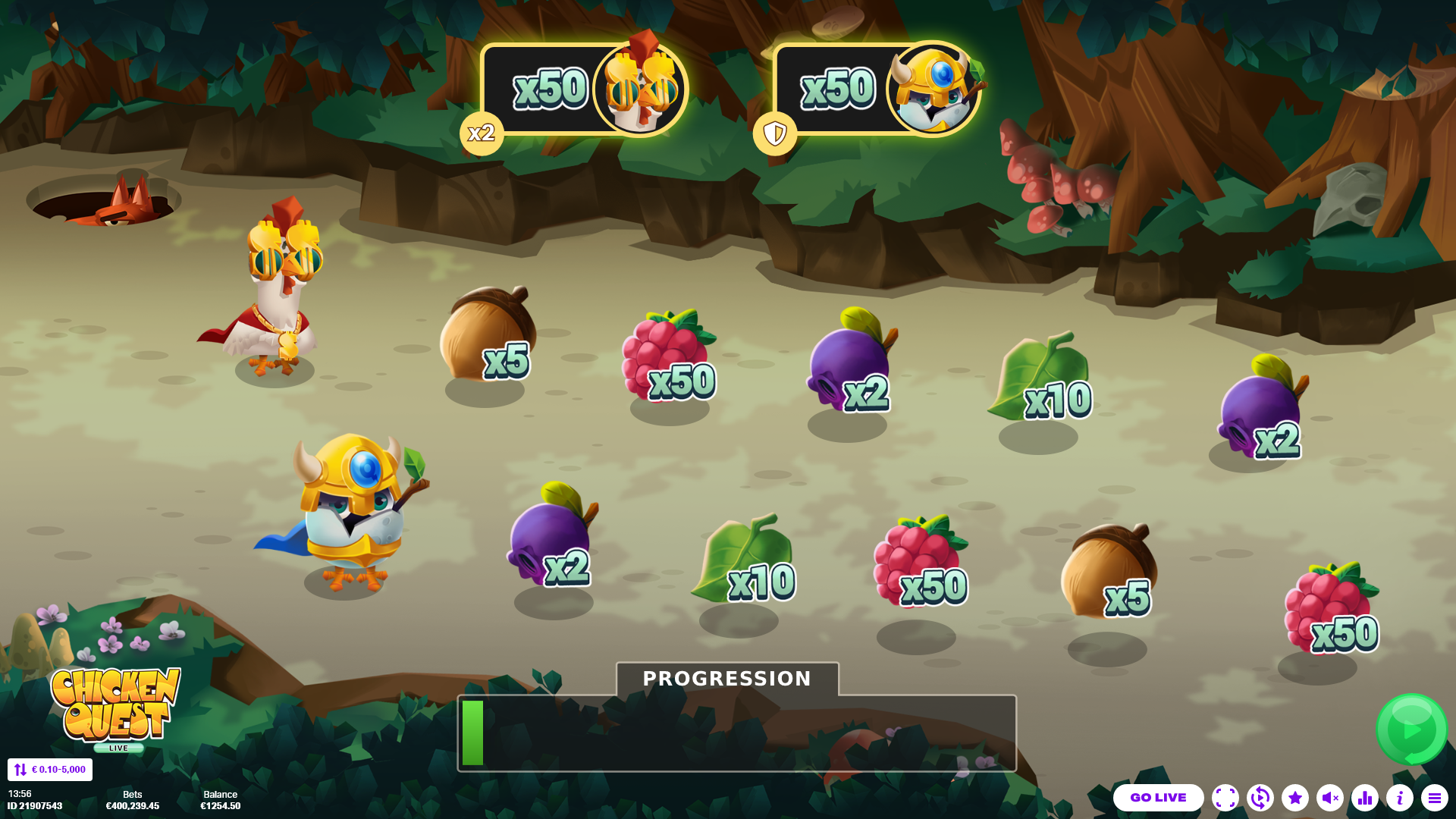
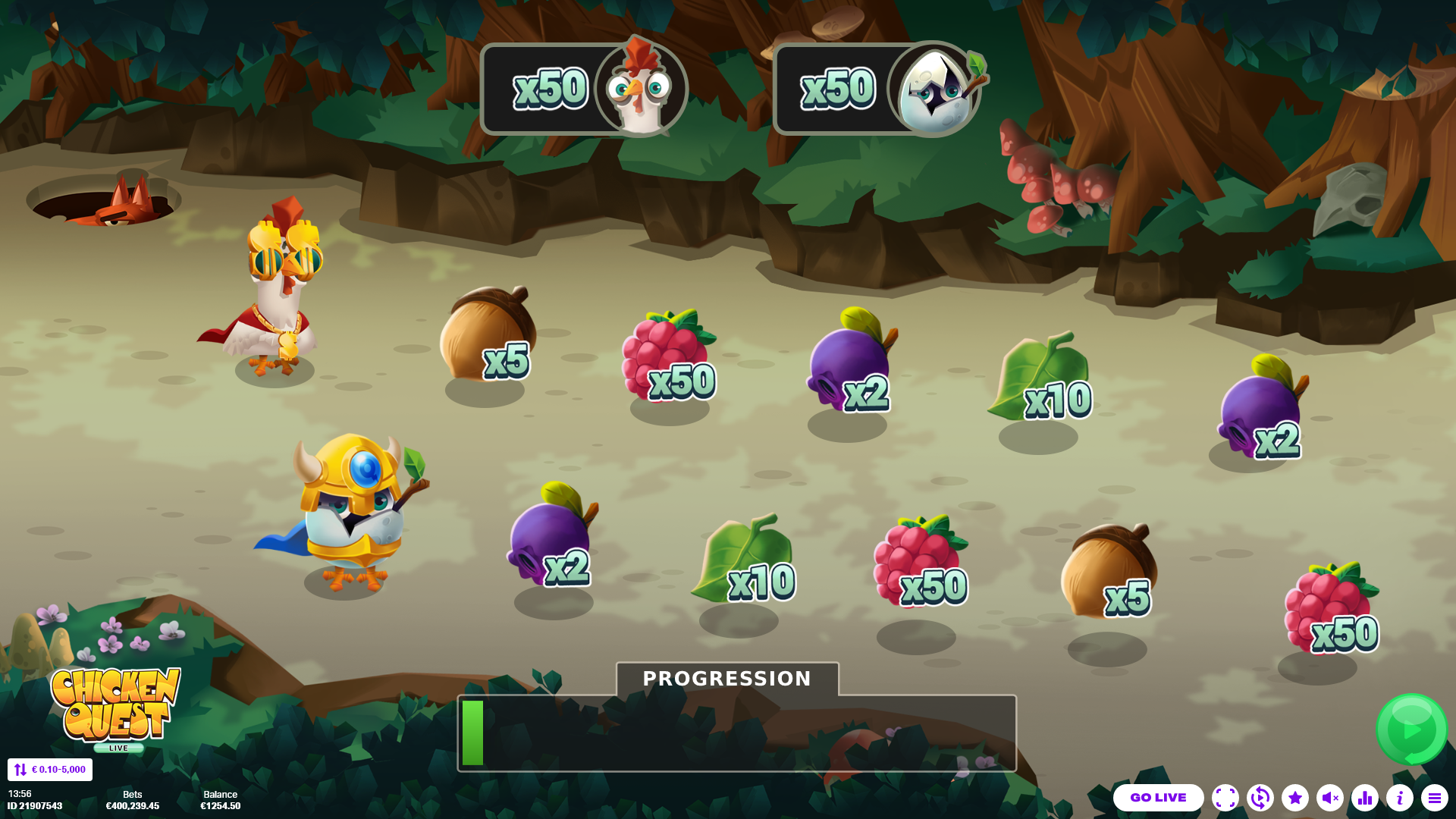
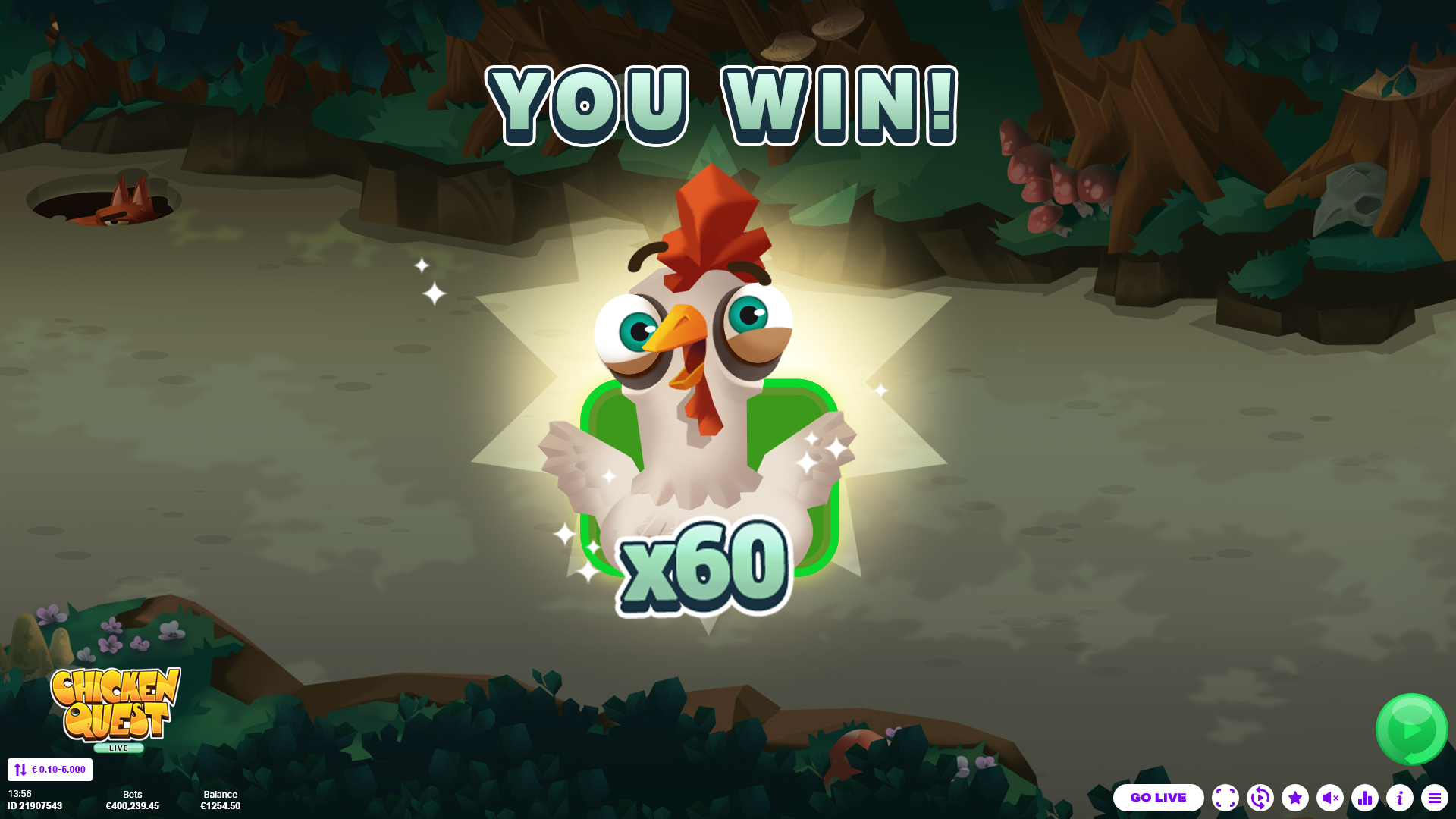
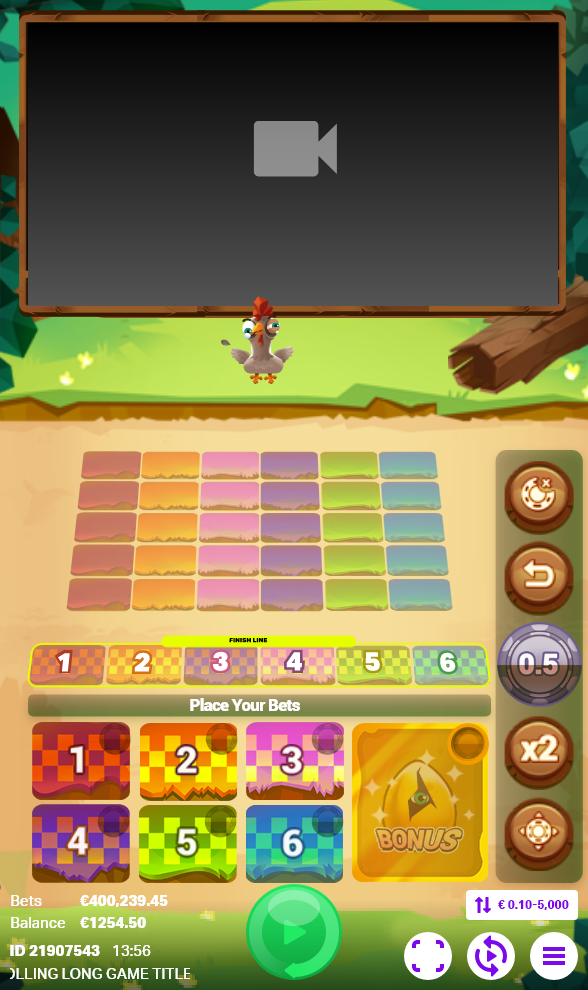
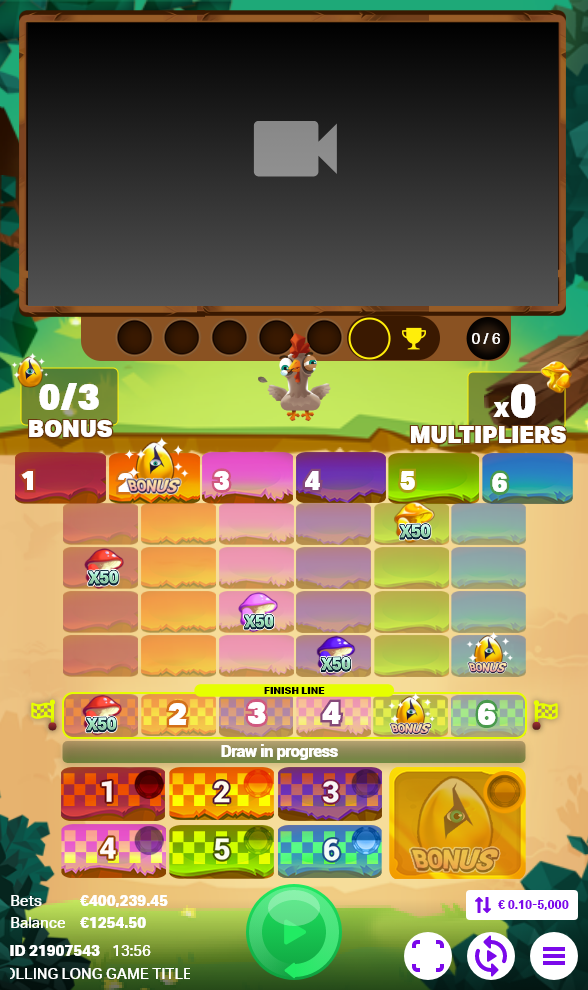
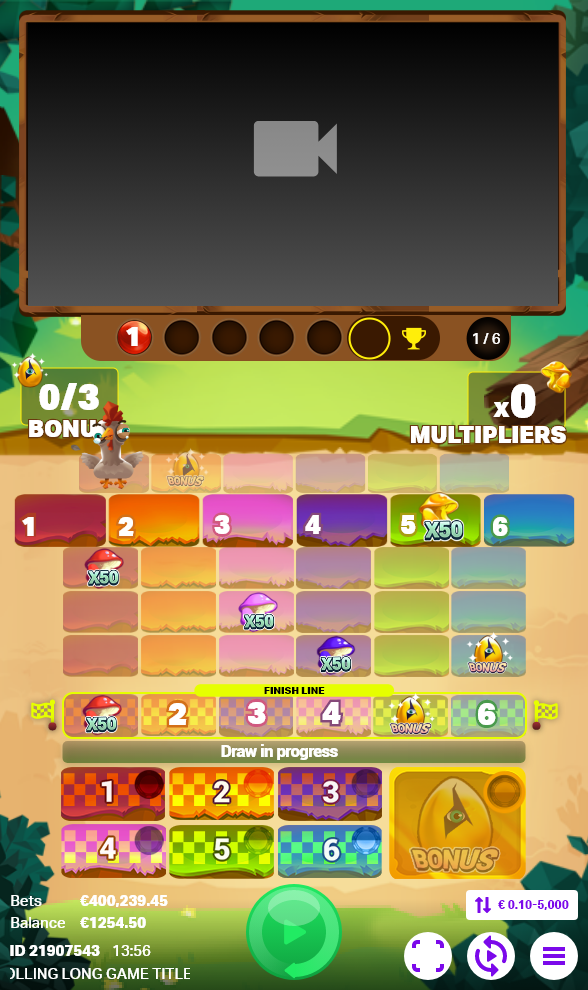
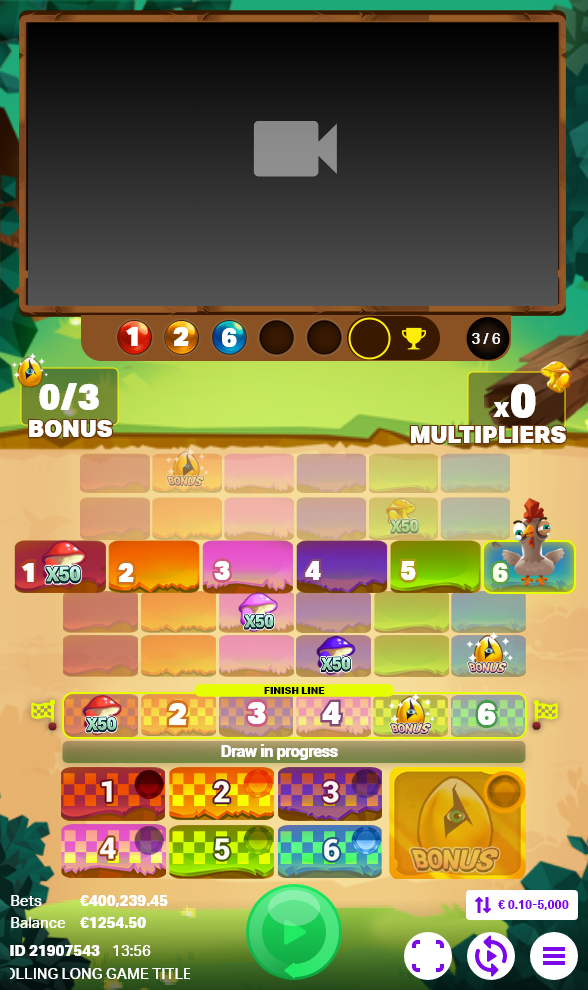
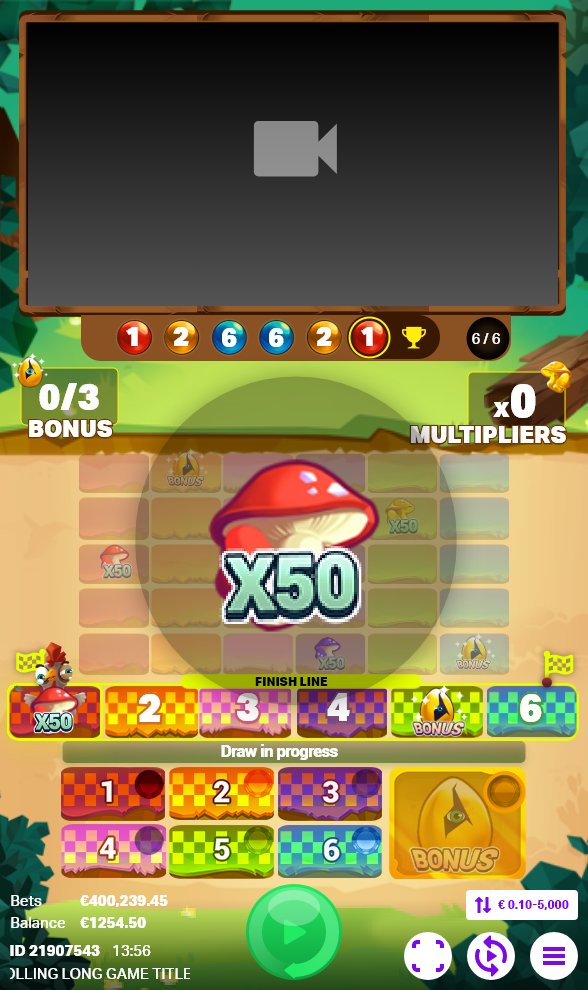
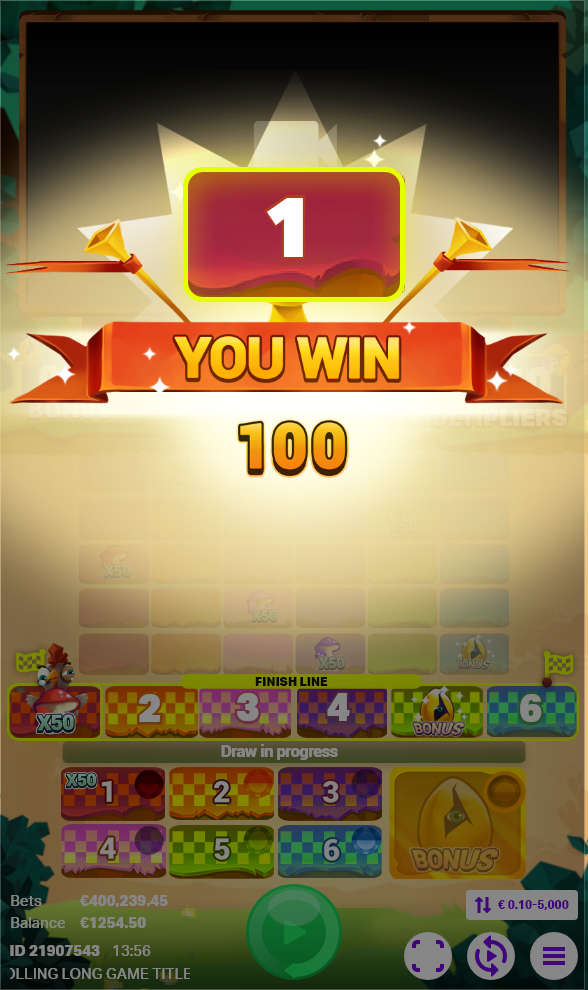
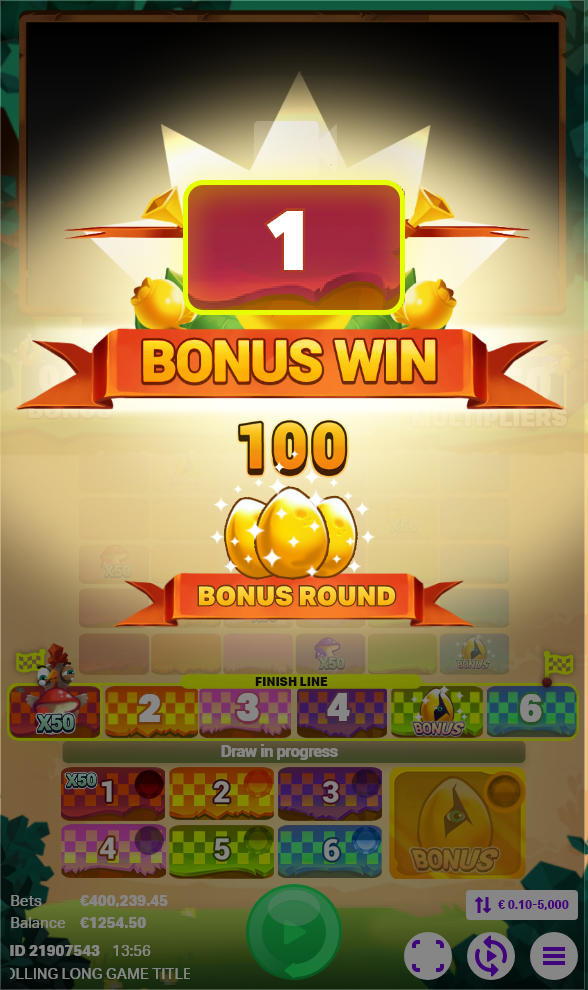
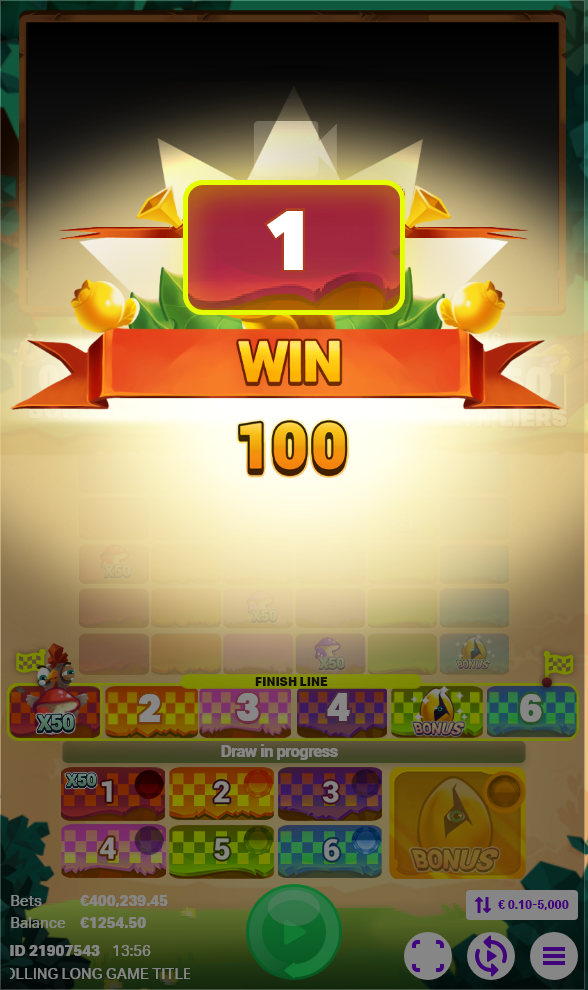
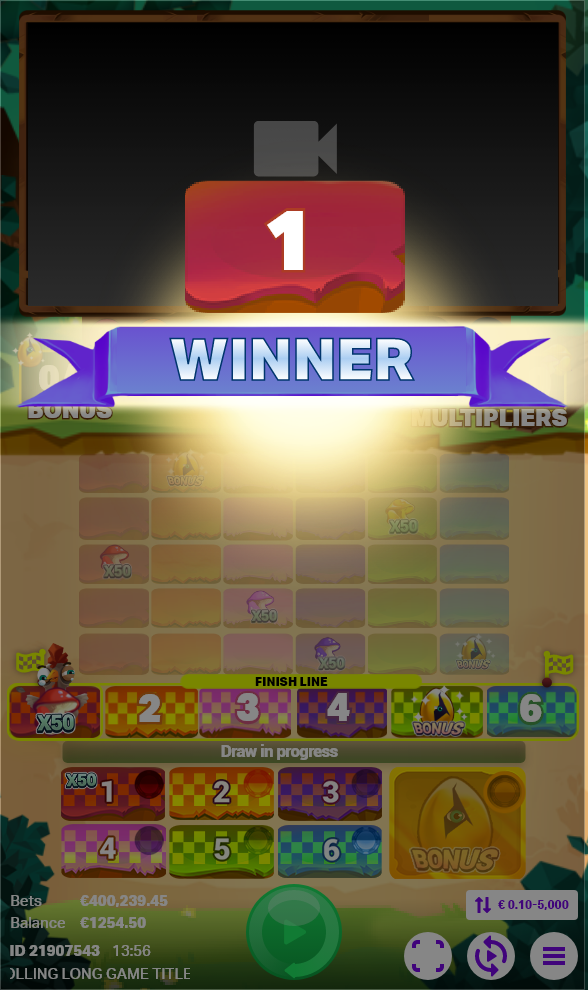
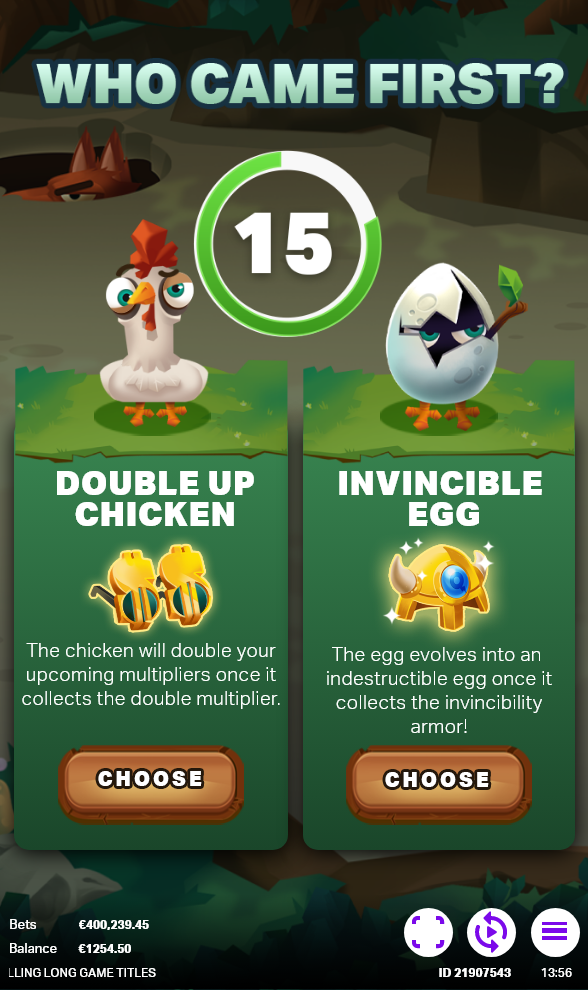
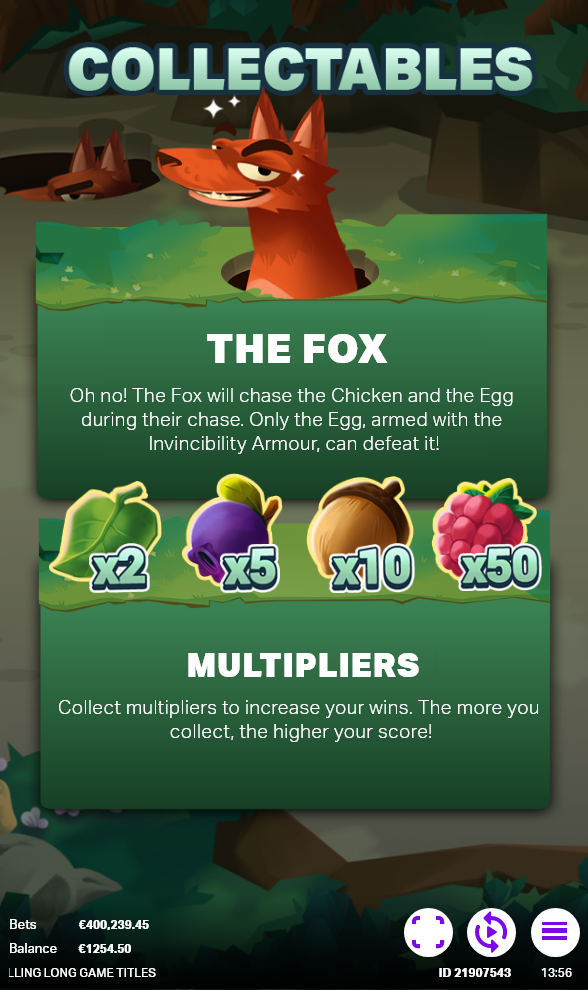
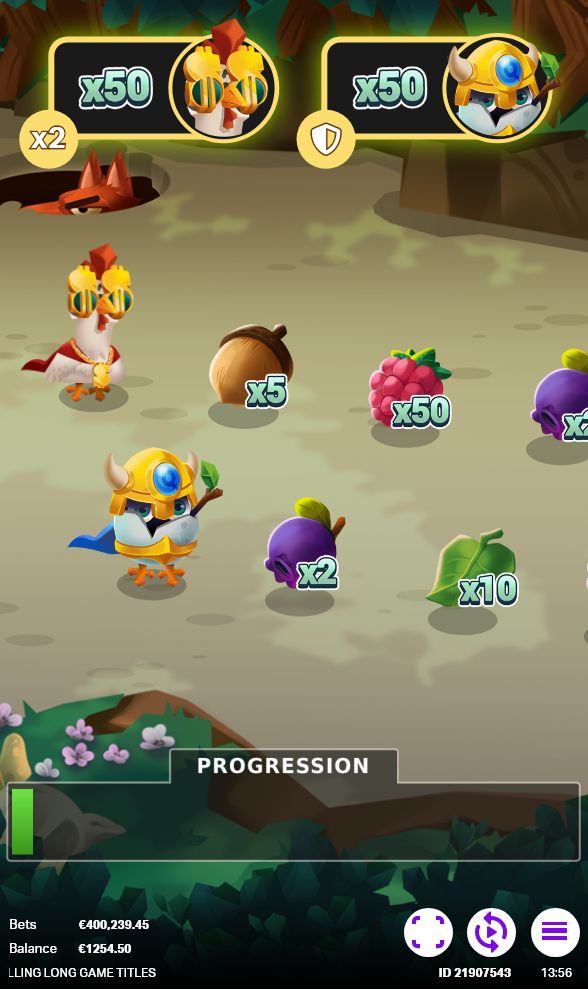
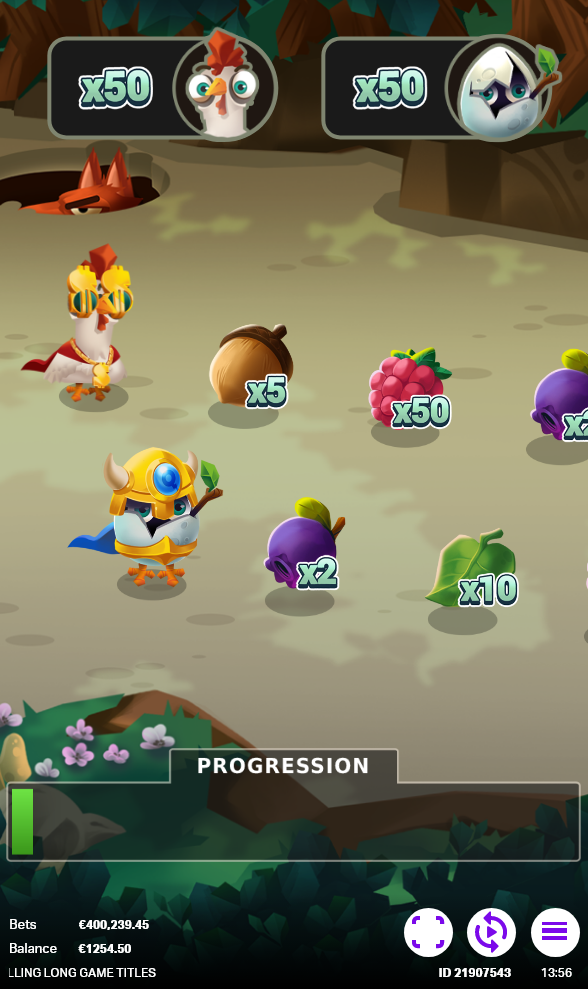
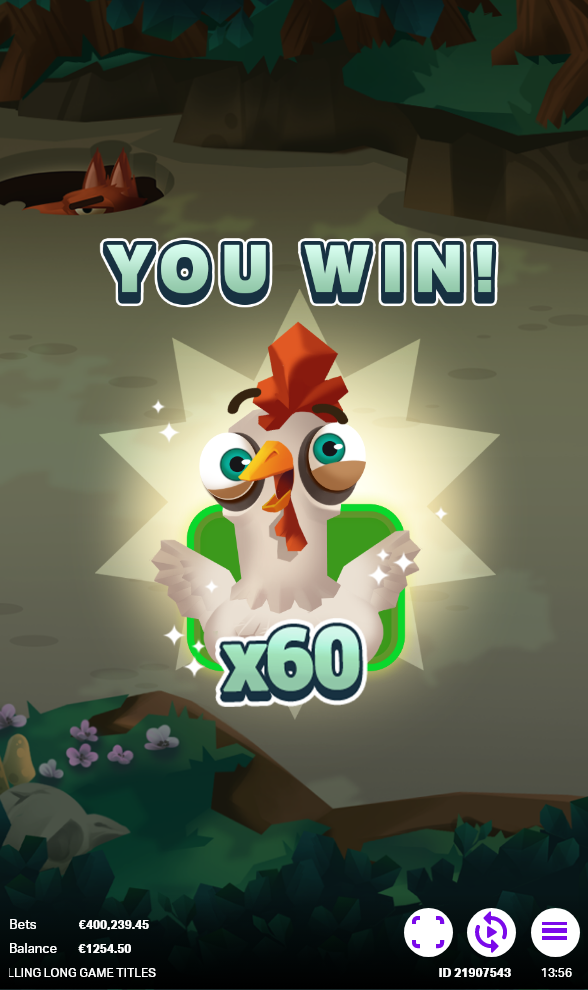
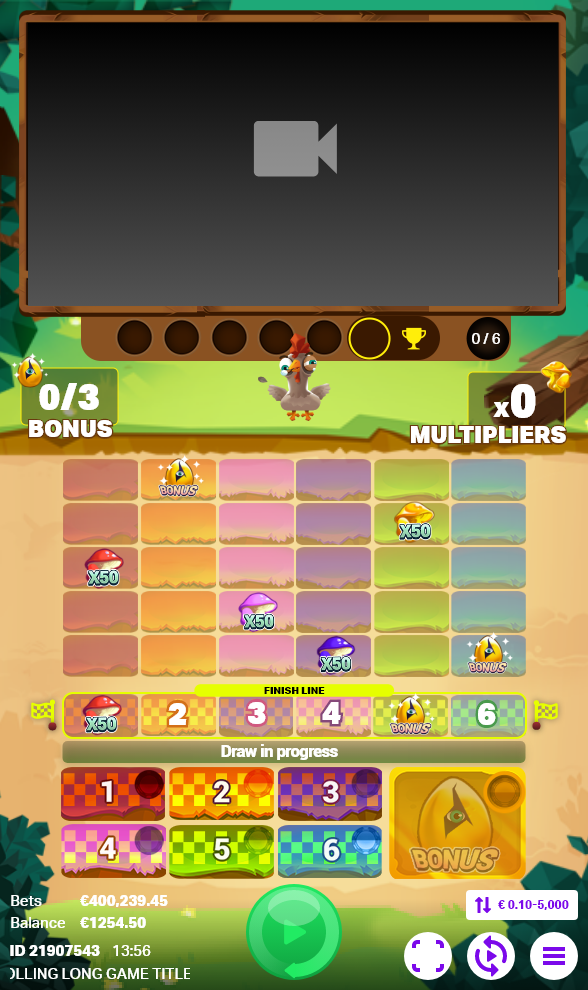
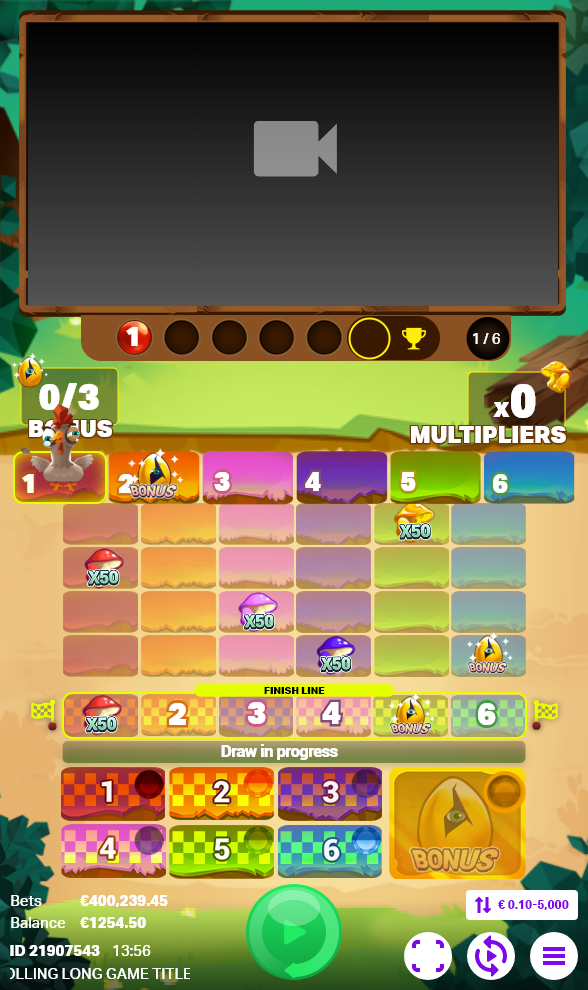
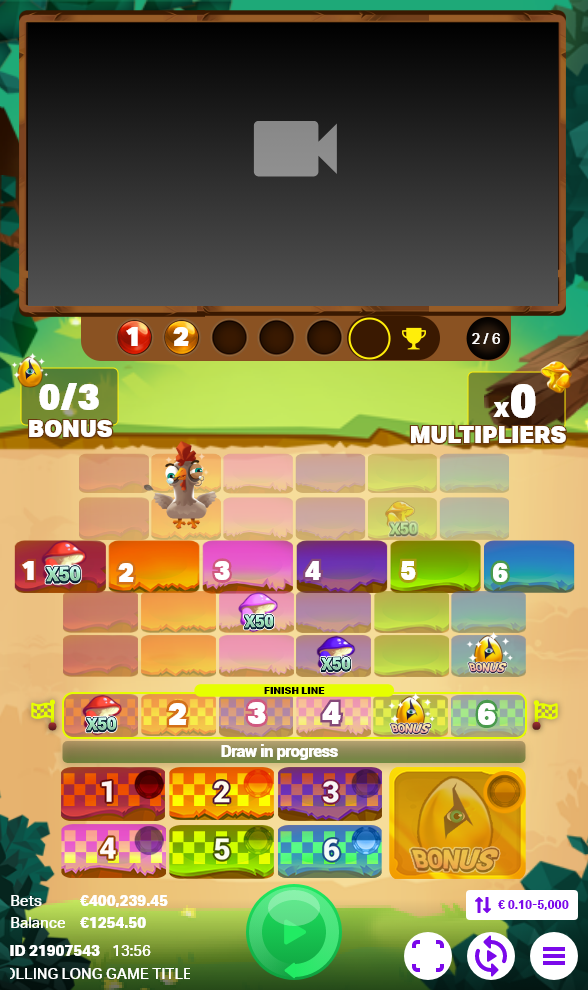
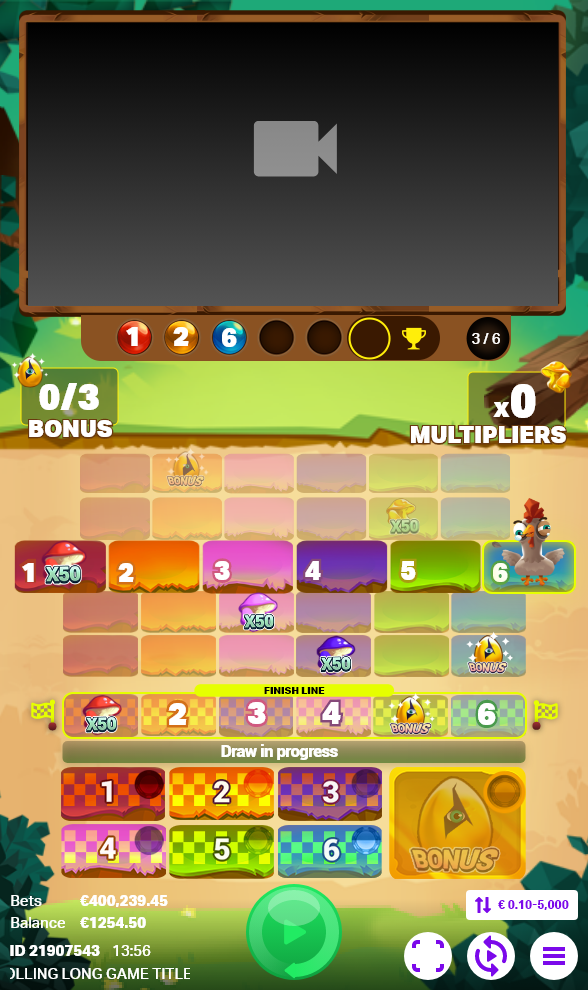
In the game Chicken Quest, players engage in multiple activities. They place bets on the final landing position of the chicken, choosing from six potential options. Additionally, they can place a bet on the bonus option to take part in the bonus game once triggered. Throughout the game, players follow the chicken's movements, which correspond to the ball's color. The chicken character collects multipliers, and players watch as it gathers Bonus Triggers, adding an extra layer of excitement and engagement to the gameplay experience.
Gameplay Trailer:
Key UI Contributions:
User Interface Design:
Designing the user interface for players to place bets on the final landing positions and the bonus bet participation
Animation Indicators:
Created visual cues displaying the ball shuffling for a minimum of 30 seconds and the sequential drawing of six balls.
Color Representation and Outcome Displays:
Designed visual representations for different ball colors, signifying the Chicken's movements, along with outcomes based on its landing positions.
Multiplier and Bonus Tally Presentation:
Crafted the UI to display the collection and application of multipliers to winning bets, as well as the accumulation of bonus triggers to activate the bonus game.
Bonus Game Interface Design:
Created user interface elements and screens for exclusive participation in the bonus game, limited to players who bet on the bonus.
My Role:
User Interface Design:
I was Involved in the creation of low-fidelity prototypes, providing a visual blueprint for the user interface design. These prototypes served as a foundation for artists to develop high-quality art assets, maintaining design consistency and alignment with user experience goals.
Collaboration and Guidance:
Collaborated closely with artists, offering guidance and support to translate low-fidelity prototypes into high-quality art assets, ensuring adherence to the design principles, style guides, and usability standards established for the project
Prototyping and Developer Support:
Transformed finalized art assets into functional prototypes, ensuring seamless integration and usability. Delivered exportable assets to developers, facilitating a smooth transition from design to development phase
Guidance for 2D Animators:
Directed professional 2D animators in creating spines from artist-provided designs. Ensured animations added interactivity without compromising user experience, enhancing user interactions for a more enjoyable and engaging interface.
Quality Assurance and Iterative Improvement:
Conducted thorough quality assurance tests on prototypes to identify and address design inconsistencies or usability issues. Iteratively improved the interface based on feedback and usability testing, aiming for an intuitive and user-friendly final product.
Cross-functional Collaboration:
Acted as a liaison between the design, artistic, and development teams, fostering effective communication and alignment across disciplines to ensure a cohesive and well-executed final product.
Design Process:
STEP 1
Design Document
STEP 2
Competitor Research
STEP 3
Low Fidelity Prototypes and iterations
STEP 4
Developer, Art and Animation Support
STEP 5
Front-end Implementation
Want to know more about me follow me on my socials: